

Yoast SEO for Shopify: editor
In this article, we explain all the features and analyses available in the Yoast SEO editor. In this editor, you can optimize your products, collections, blogs and pages and recieve immediate feedback on your content. You can also customize your content’s appearance in search engines and social media.
The analyses for Products and Collections are the same; for Blogs and Pages the SEO analysis checks additionally for Outbound links and Internal links. This article follows a product as an example.
Focus keyphrase
The focus keyphrase what your content is about. If people search for this phrase in search engines, you want this page to be visible. You must fill in the focus keyphrase, otherwise the Yoast analyses are unable to work. Visit our blog for more information about finding the perfect focus keyword.
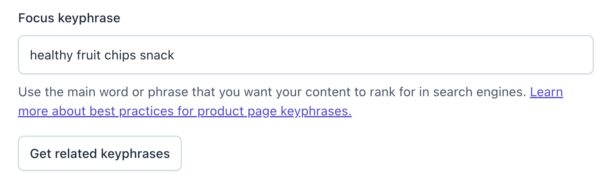
By clicking Get related keyphrases, you can find and add related keyphrases with the Semrush integration. Please note that the Semrush account creation link provided in this article is an affiliate, offering a 14-day trial period instead of the regular 7-day trial Semrush provides.
Add related keyphrase
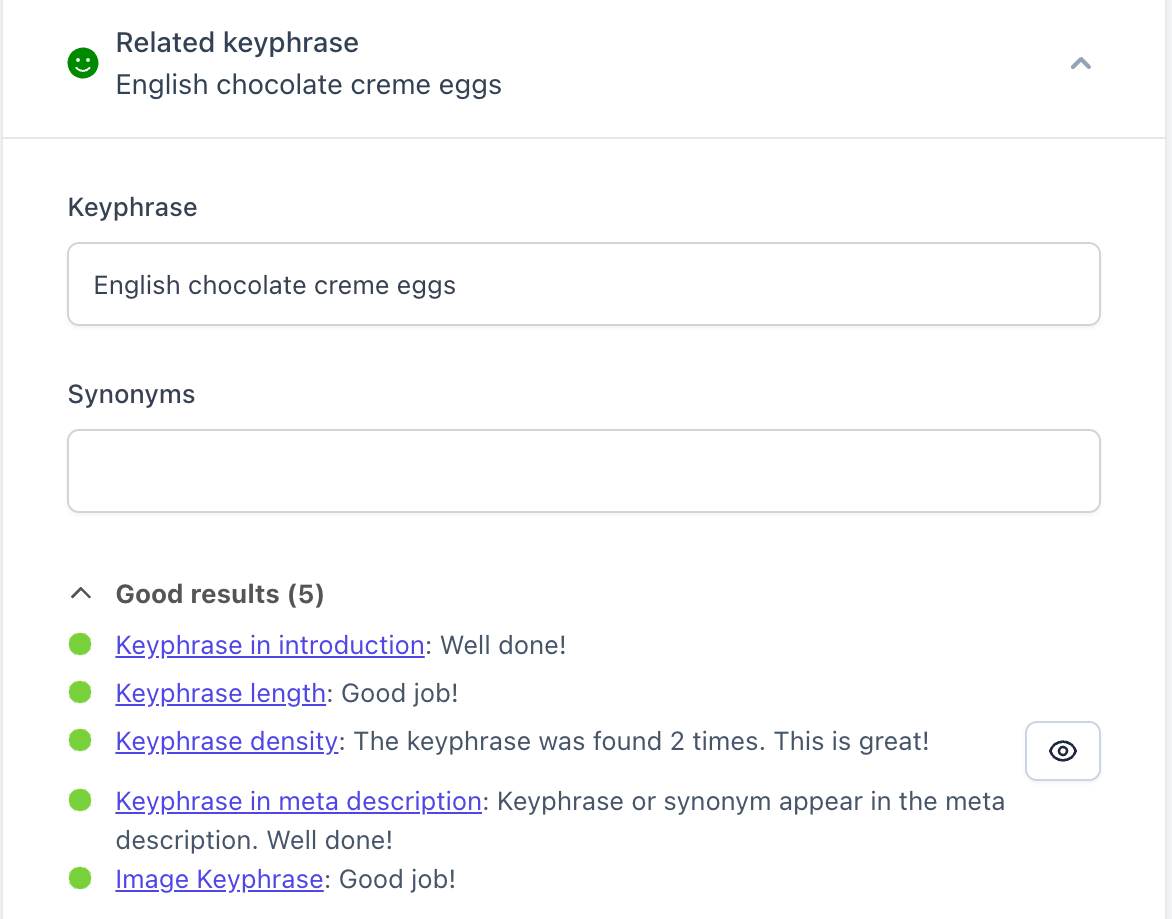
Yoast SEO runs a lot of checks for your focus keyphrase. With keyphrase synonyms, your writing will be more engaging and varied. In addition, you can add related keyphrases, which will have a separate analysis. You can also find and add related keyphrases with the Semrush integration.
SEO analysis
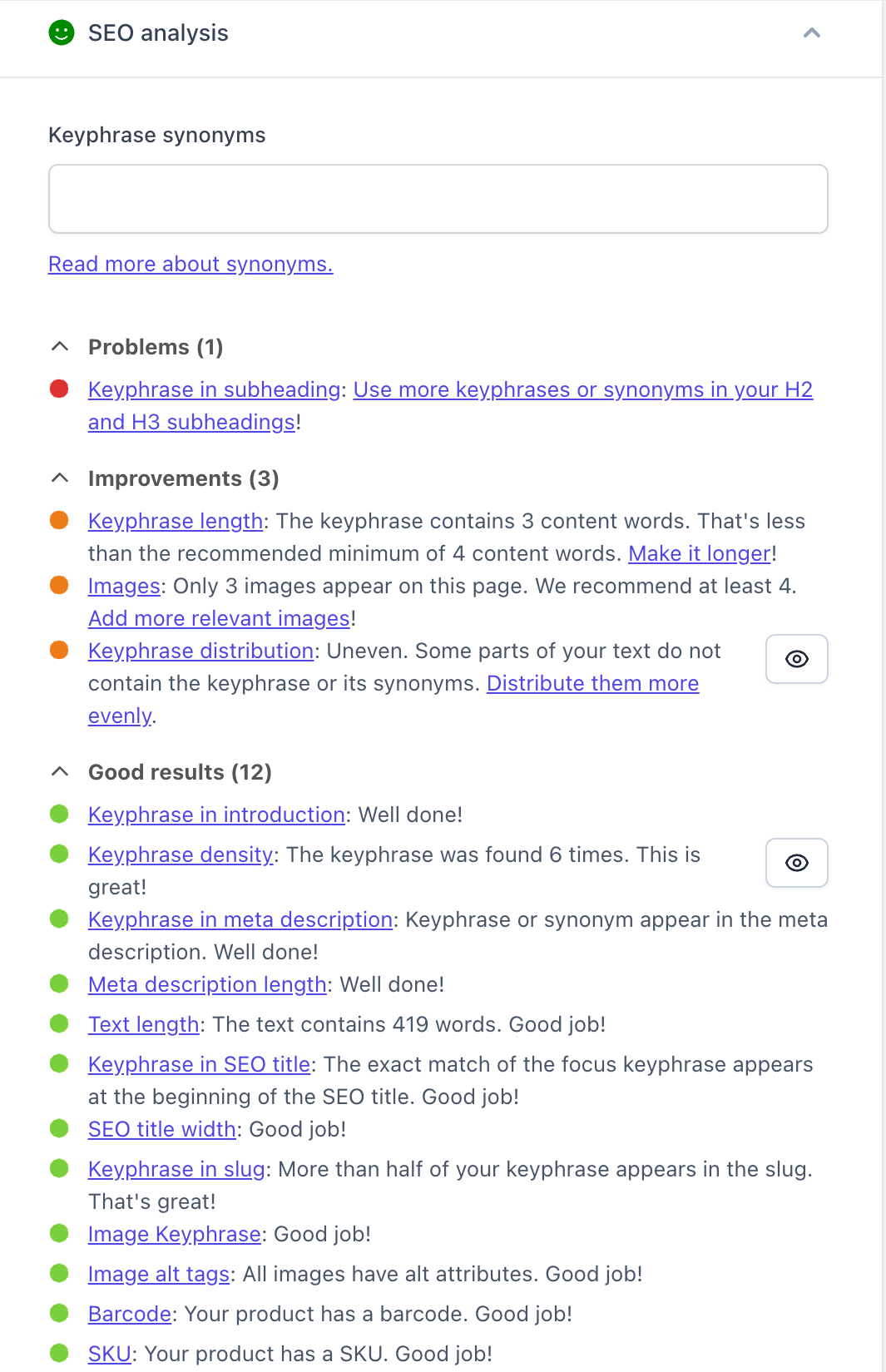
With the SEO analysis in Yoast SEO, you ensure that your product descriptions are focused on the keyphrase you want to rank for.
Keyphrase in introduction
Using your keyphrase in the introduction of your product description will immediately clarify what that product is about. This check ensures that your keyphrase can be found in the first paragraph of the text.
Keyphrase distribution
Your keyphrase should be repeated throughout your content: not just the beginning or the end. Yoast SEO makes sure your keyphrase is evenly distributed throughout your content.
Keyphrase density
You write your product pages to convince customers to buy your products, but search engines also need to understand the product. So, the keyphrase density assessment checks whether the content words from the keyphrase are used in the text and whether they are used often enough. For the app to recognize the keyphrase, you should use all the keyphrase content words in one sentence.
The keyphrase length
To increase your chances of ranking, we recommend optimizing your content for a long keyphrase. This assessment checks whether the keyphrase’s (content) words are within the recommended limit, between 4 to 6 words.
Keyphrase in meta description
The meta description is the short text that appears in the search results. You can use your focus keyphrase in the meta description: search engines often highlight it, increasing your visibility. This assessment checks whether you’ve used all content words from the keyphrase in the meta description.
Keyphrase in subheadings
Both peopel and search engines use subheadings to scan the content and determine what the page is about. Keywords help them understand the page. So, this assessment checks whether H2 and H3 subheadings reflect the topic of the copy, based on keyphrases or synonyms. For languages with function word support, a subheading is considered to reflect the topic if at least half the words from the keyphrase are used. For languages without function word support, a subheading is considered to reflect the topic if all content words from the keyphrase are used.
Keyphrase in title
The title of a page is among the first things people see. So, Yoast SEO checks if the keyphrase is used in the page title. When function words precede the keyphrase in the title, they are filtered out when determining the position of the keyphrase in the title.
Image alt tags
Images need to be understood by search engines and people who use screen readers. You can facilitate that by adding alt tags to your images.
Image keyphrase assessment
When adding alt-tags to images, use your keyphrase and make it abundantly clear what your image is about. It checks if there are keyphrase or synonyms in the alt attributes of images.
Competing links
Search engines use links to understand pages. So, optimizing a page for a particular keyphrase and then using the same keyphrase in an anchor text to link to another page may confuse search engines. They may have trouble understanding which page to rank better. Yoast SEO ensures you avoid this by checking whether links in the text use the keyphrase as their anchor text.
The text length
This check makes sure your content contains at least 200 words. By doing that, it encourages you to give all the necessary information customers may need about a product.
Slug keyword assessment
Adding the keyphrase in the URL slug gives an additional hit to search engines about the page’s content. So, Yoast SEO checks that you’ve included your keyphrase in the slug.
Images and videos
Images and videos are crucial on product pages since they show the product to your customers and convince them that it is as good as you claim it to be! This check ensures you have at least one image or video on your product page.
The meta description length
A meta description is like a pitch for your product. However, if your meta descriptions are too long or short, you risk having them cut off in the search results, which may lead to losing some valuable information. Yoast SEO checks if your meta description has a length between 120 and 156 characters.
The SEO title width
The SEO title is the title that appears in the search results. So, besides the page’s title, it may contain a separator or the site’s name. If the SEO title is too long, it may get cut off. That’s why Yoast SEO checks if your SEO title is of good length. This assessment checks the SEO title as it appears in the snippet preview, taking into account replacement variables.
Barcode
Product identifiers are essential for ecommerce SEO. Yoast SEO for Shopify ensures you remember to add these. It comes with a check for product barcodes.
SKU
Similarly, Yoast SEO for Shopify checks if you’ve added an SKU for your product.
Readability analysis
Yoast SEO offers Readability analysis for all your content types, designed to make your product descriptions easier to read and understand. In this article, we focus on the Product page analysis, but the analysis is also available for Blogs, Pages and Collections.
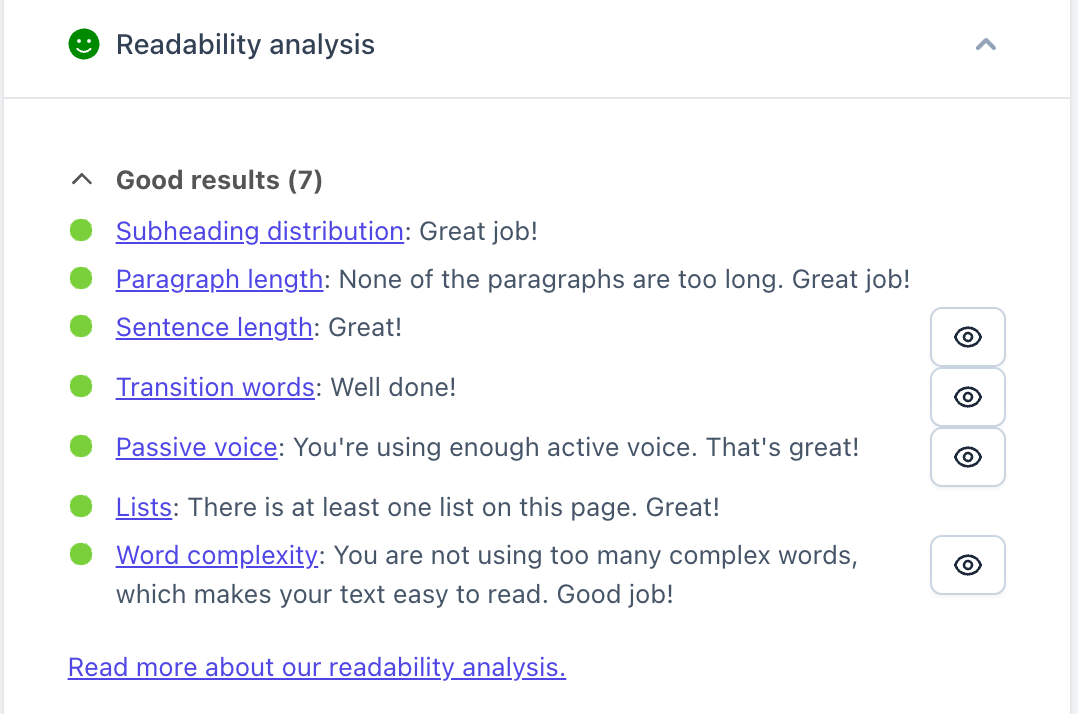
Yoast SEO contains the following checks to make your descriptions easier to read.
Lists
Lists make your product pages easier to scan, so people can quickly find what they need. This check will give you a red traffic light if there are no lists on your product page and a green one if the page has at least one list.
Transition words
Transition words help you create a flow between your sentences and paragraphs. The transition words check works only if your product description is at least 200 words.
Passive voice
Using too much passive voice can make your content difficult to read. So, this check assesses whether the number of sentences containing passive voice exceeds the recommended maximum amount. The amount will vary depending on the length of your content.
Sentence length
Using too many long sentences can get in the way of delivering your message. Yoast SEO will warn you if many sentences contain more than 20 words.
Paragraph length
Writing short and focused paragraphs can help customers scan your product page and easily digest the information. Yoast SEO gives you an orange or a red traffic light for product pages if the paragraphs exceed the recommended maximum length of 100 words.
Subheading distribution
Adding subheadings is another way to make your product pages easier to scan. Please note that this only applies to longer descriptions: if your product description contains more than 300 words, the app will suggest adding subheadings.
Word complexity
Yoast SEO for Shopify also analyzes the complexity of the words you use to write about your products.
Inclusive language analysis
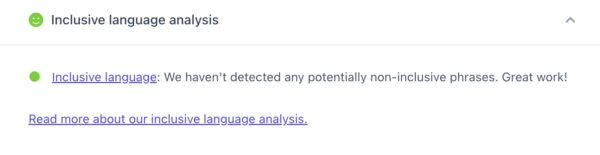
Yoast SEO also offers the Inclusive language analysis, which is opt-in. By using inclusive language you open up your content to more people, improving your visibility. In addition, by using language that avoids biases and discriminatory terms, you will get a chance to rank higher.
Schema
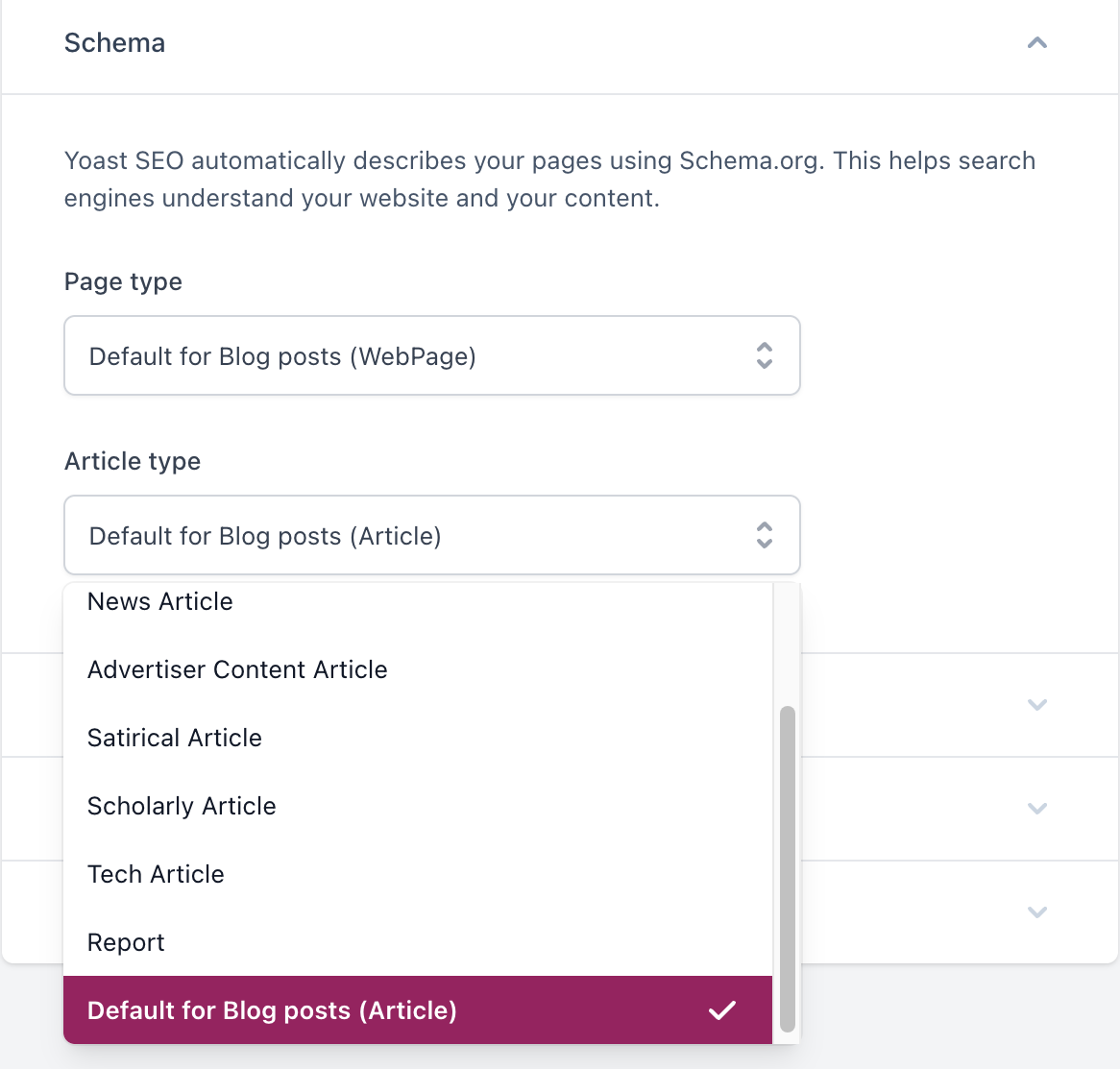
Yoast SEO automatically describes your pages using Schema.org. This helps search engines understand your website and your content. As a result, Google may feature your products in the Google Shopping section or display them as rich results. For Products, you can use variant schema. However, if you are writing a blog post or a page, you can choose the type of Schema Yoast SEO outputs.
Advanced
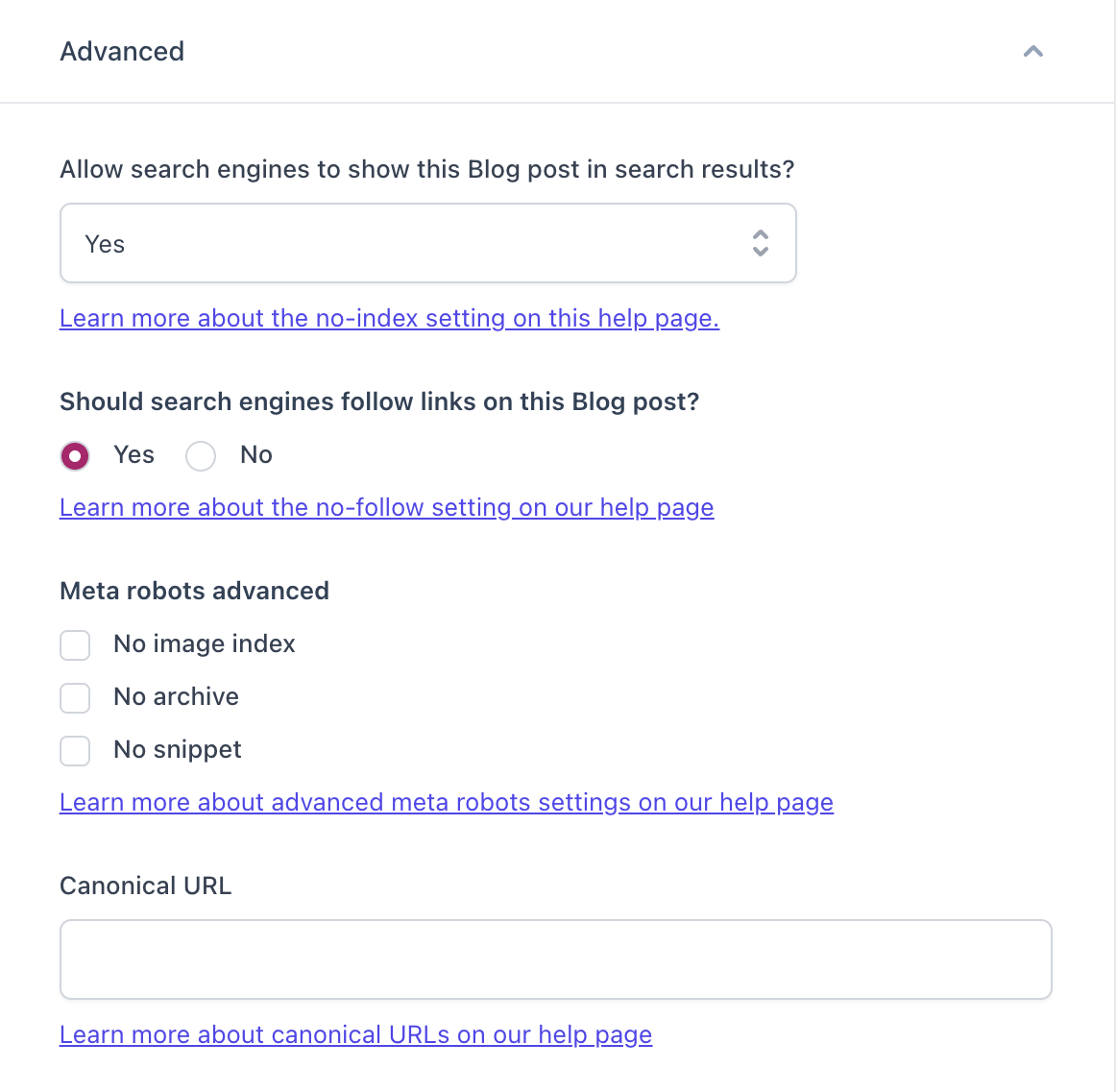
Under the Advanced settings you can choose what to show to search engines and in search results. For instance, you can hide the entire page or parts of it, such as the links or images. Moreover, you can instruct search engines not to show a snippet of the page or its cached version.
Cornerstone content
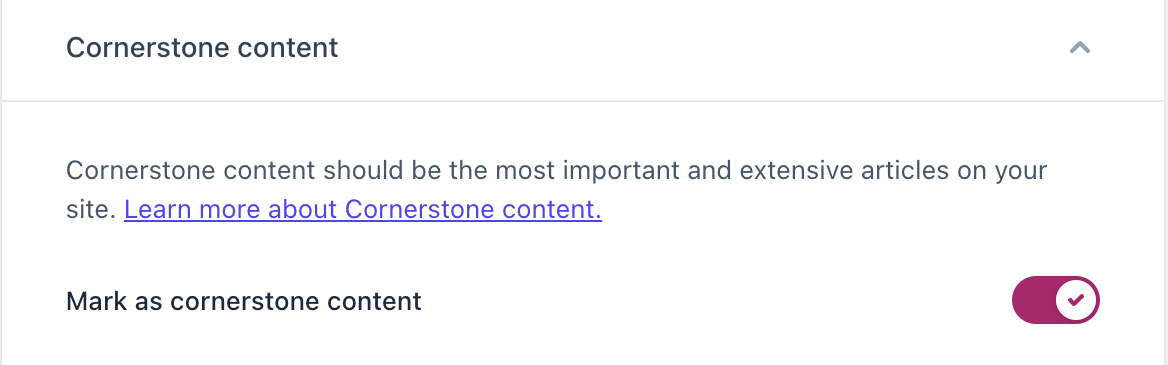
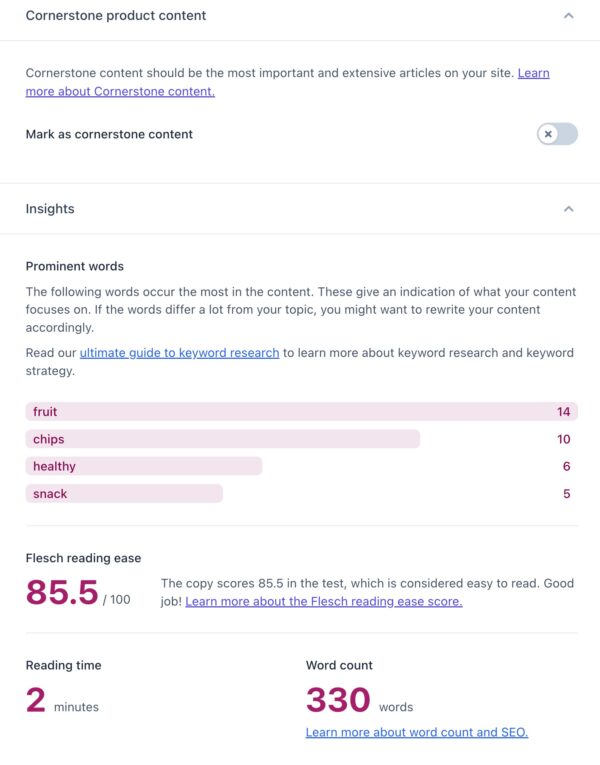
Cornerstone content is the most important content on your site. For example, a product you always have in stock or sells the most. If you mark a product, a page, a blog, or a collection as cornerstone content in Yoast SEO, the SEO analysis will be stricter. This is because cornerstone content is the one you typically want to rank highest and should, therefore, be the best.
Insights
The Insights section gives you more context about your content, especially how it will be understood by readers. Prominent words shows you what words appear most frequently in your content. The Flesh reading ease score shows how complex or easy to read your text is. The Reading time and Word count estimate how long a customer needs to read your text.
Search appearance
Besides ensuring your content is well-optimized and easy to read, Yoast SEO also helps you control what your pages look like in the search results or when they get shared on social media.
The search appearance feature lets you preview and edit the page snippet that will appear in search engines. So, you can choose the title (including a separator and/or your site’s name), the slug (the last part of the URL), and the meta description. The preview is available for mobile and desktop, so you can better understand your page’s appearance across different platforms.
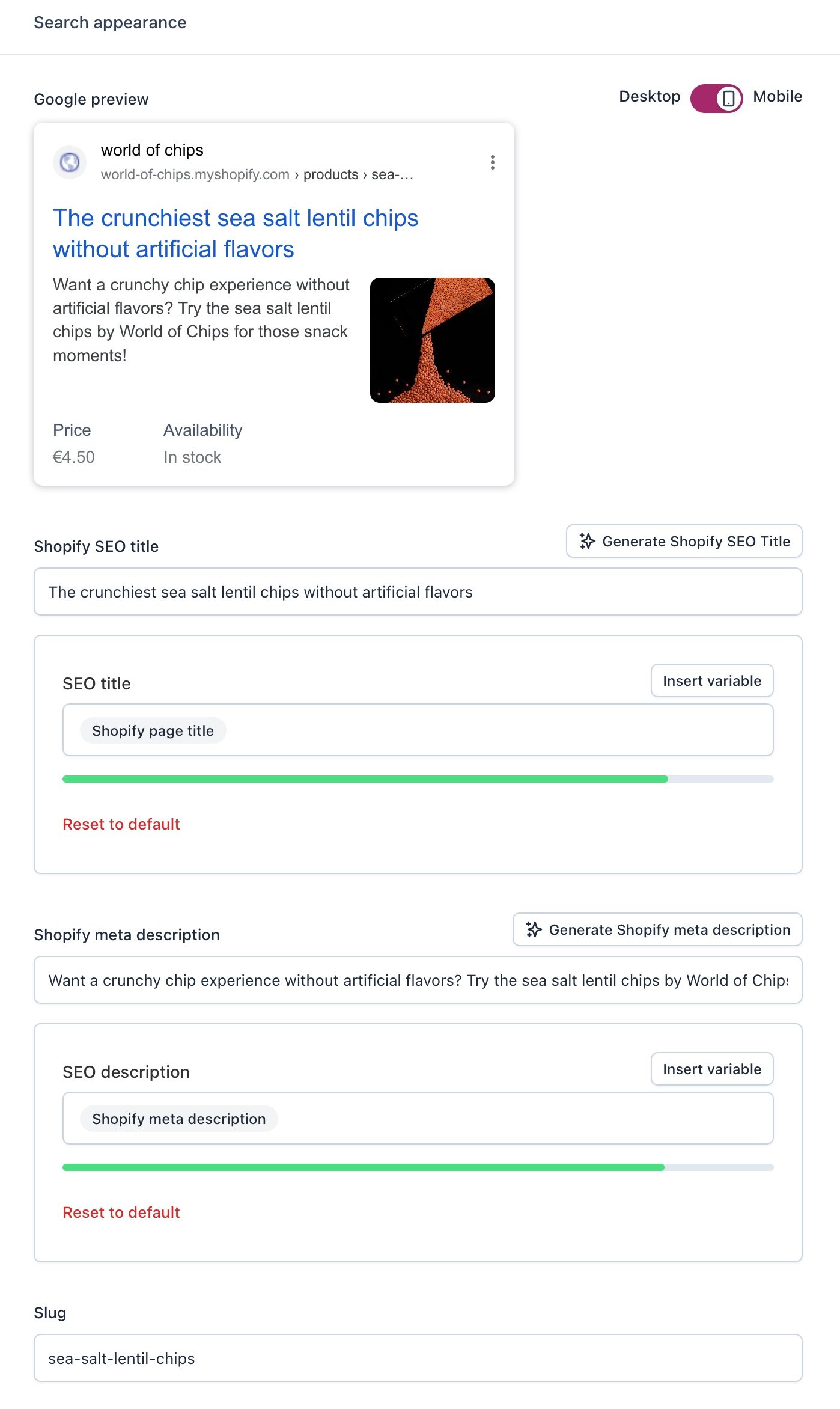
You can also edit your snippet in Shopify! If you’ve already set a title and product SEO title templates, Yoast SEO will override the original Shopify title with the Yoast SEO title template. Did you add a meta description in Shopify? It will appear here, so you can check the Yoast SEO feedback and edit where necessary.
Did you create a product template for your meta descriptions in the Yoast SEO Content settings? Go to the Shopify editor and delete the description there. Then, return to the Yoast optimizing screen, and you’ll see your template!
Social media appearance
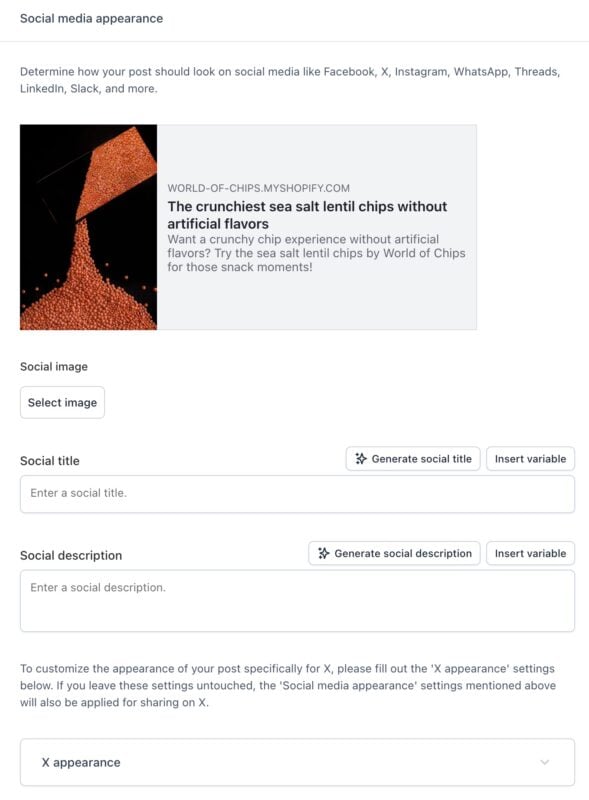
With the social media appearance, you can decide what your page will look like when you, or someone else, share it on social media like Facebook and X. You can add a title, a description, and an image. By editing and previewing the page and what it would look like when it gets shared, you can make it stand out in the sea of social media posts.

Get more traffic to your Shopify store
Yoast SEO gives you the tools to make SEO easy and grow your store’s organic traffic and sales.
Did this article answer your question?
Still having issues?
Try searching for your issue below