

SEO keeps changing. Yoast keeps up, so you don’t have to
Yoast SEO Premium
Automate technical SEO and make optimizing content a breeze with the most comprehensive WordPress SEO plan.
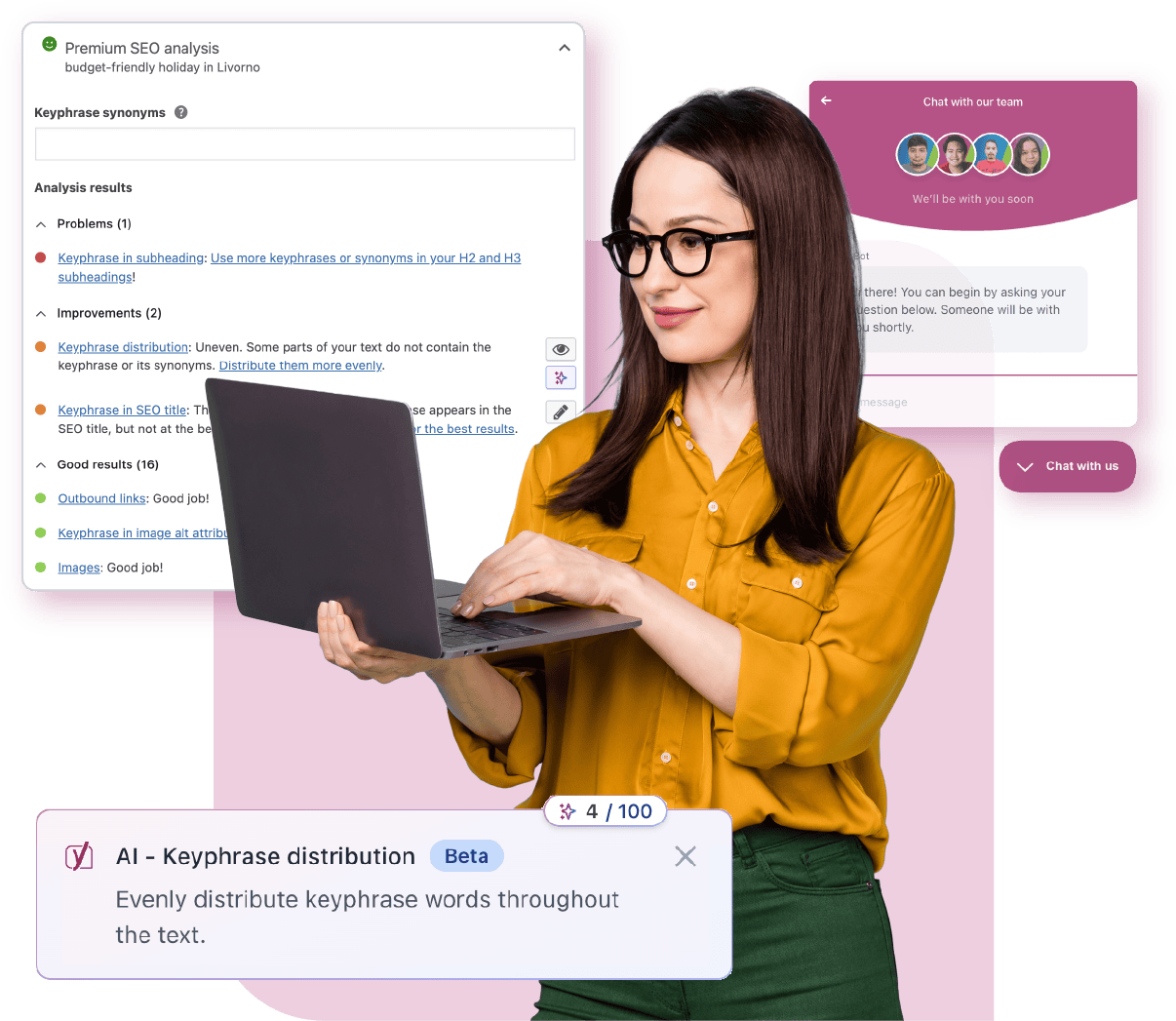
Simplify your workflow with premium features
Take a look at some of the most-loved features in Yoast SEO Premium that make managing SEO easier every day.


Yoast integrates with





Save time with SEO tools that work for you
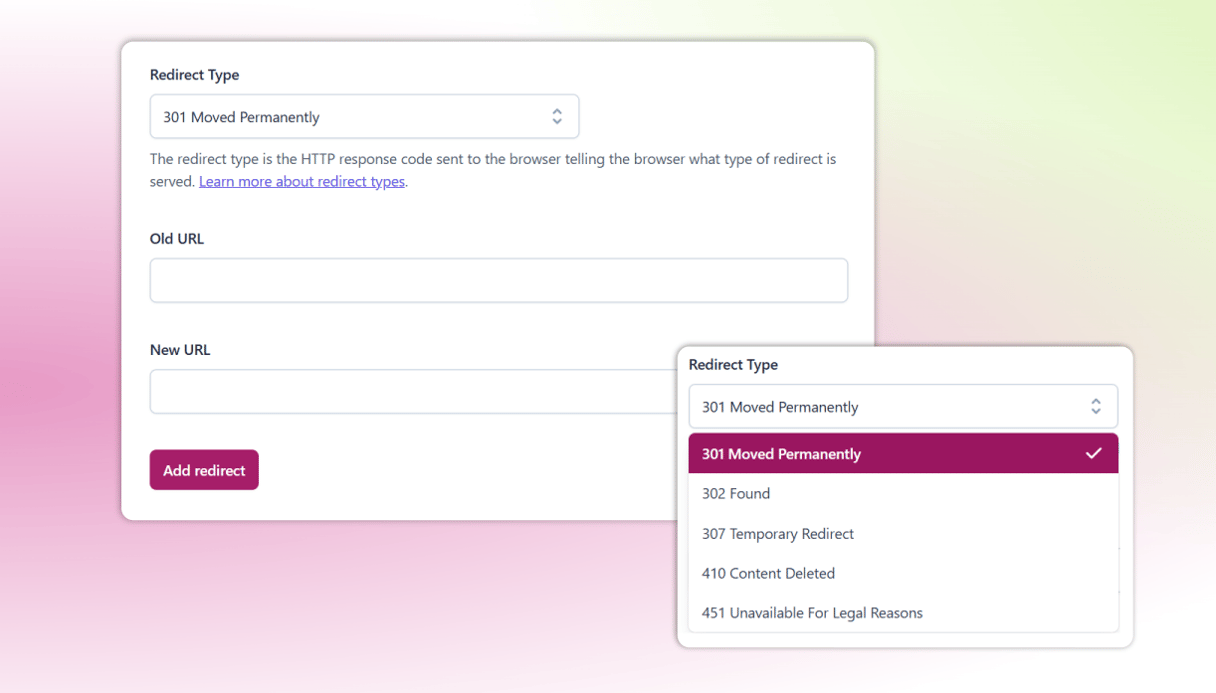
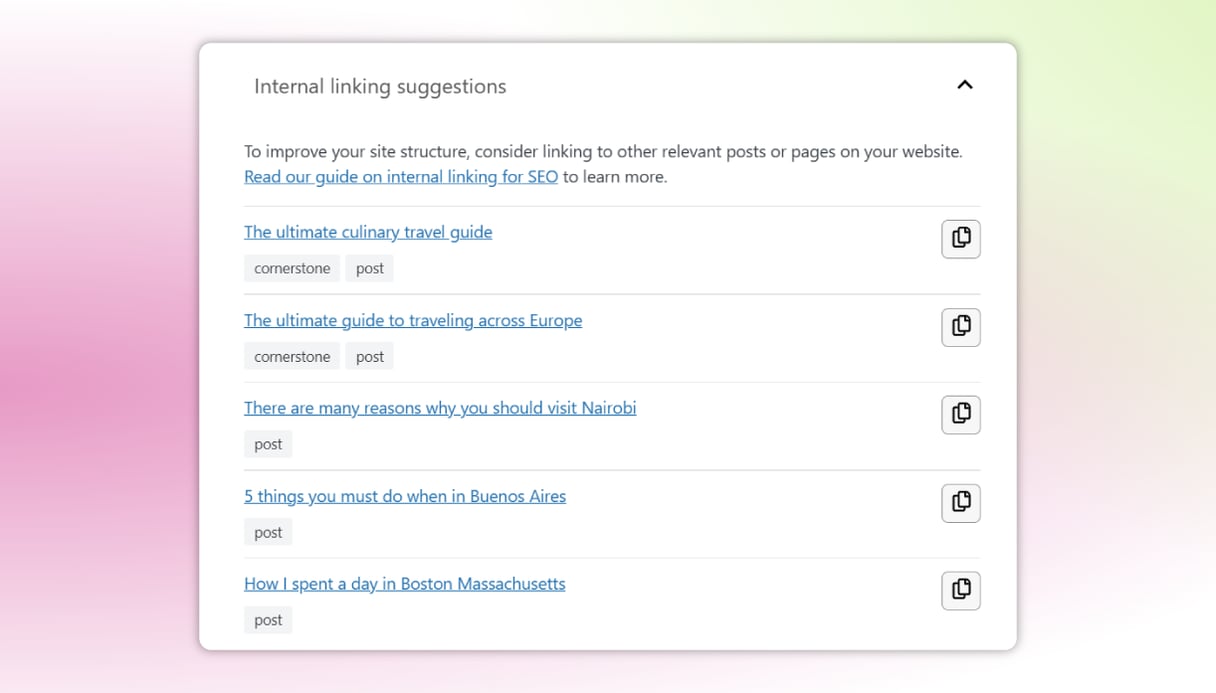
Explore the benefits that save you time
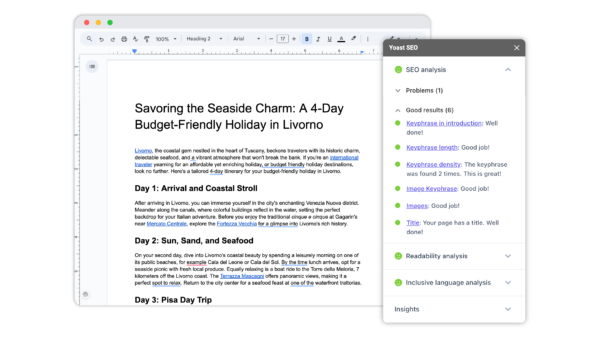
YOUR WHOLE TEAM, WRITING SEO-READY CONTENT
Do more in Google Docs
Get the same Yoast SEO guidance your team already trusts, built directly into Google Docs. Writers and freelancers can contribute fully optimized drafts without needing access to your website, and everyone writes to the same standard from day one.
- No WordPress access needed for contributors
- Fewer rewrites, faster review cycles
- One free seat included with Yoast SEO Premium, purchase additional seats for your full team.
Speed up your SEO with AI-driven guidance
Speed up and automate day-to-day SEO tasks with AI
Spend less time writing and editing and more time growing your business.
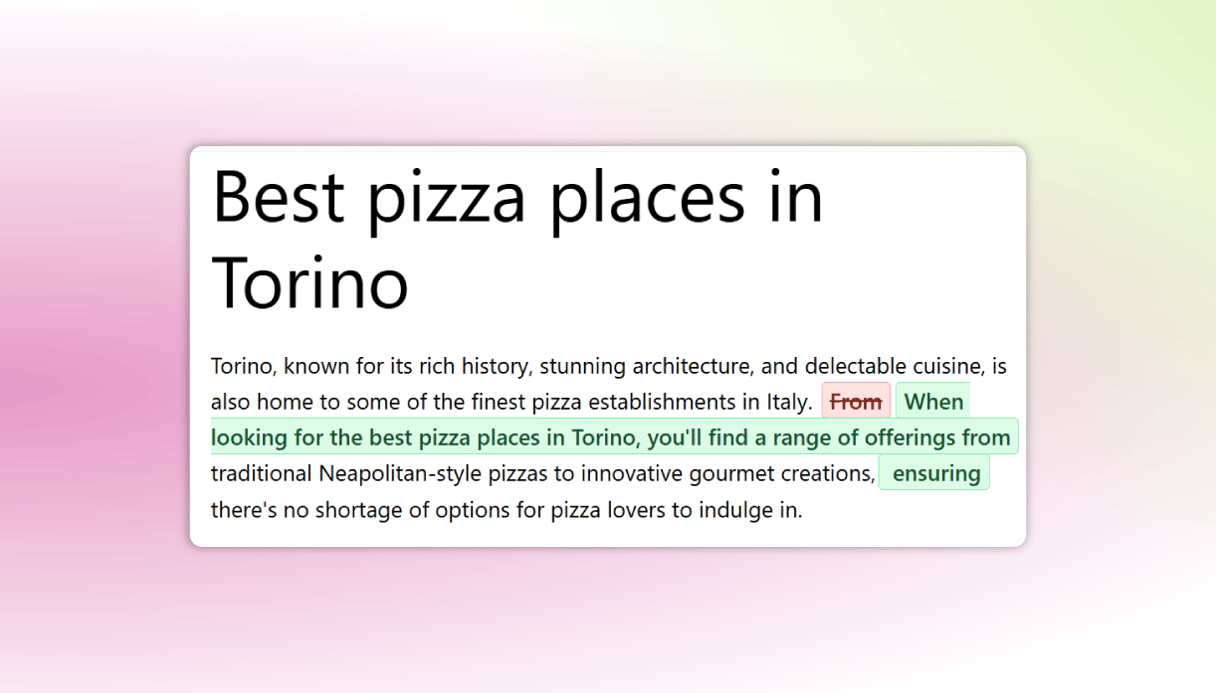
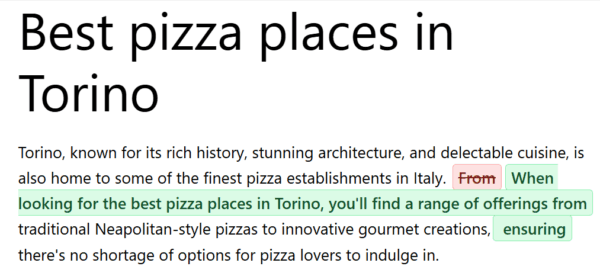
- Use generative AI to create SEO titles & meta descriptions
- Get AI-powered suggestions to optimize your content
- Summarize content quickly for clarity
Access 24/7 expert support
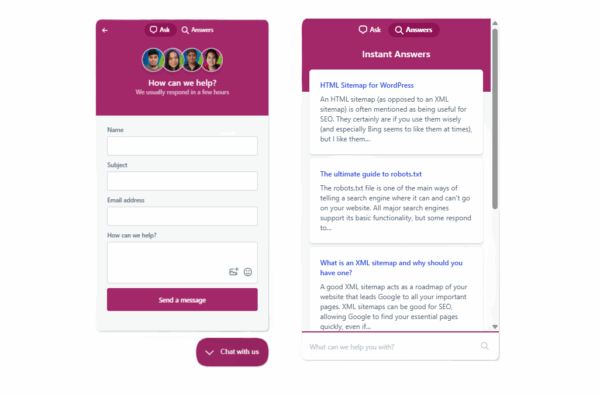
Get help while working on your SEO
With Yoast SEO Premium, you’re never alone in your SEO journey.
- Get 24/7 expert support
- Improve your SEO skills with the SEO Academy
- Solve SEO issues quickly with our extensive Help Center
Technical SEO without the hassle
Make fewer SEO mistakes
Experience fewer hiccups on your SEO journey and let us handle your technical SEO.
- Catch technical problems early
- Automatically handle XML sitemaps and schema markup
- Keep your site search engine friendly
Clear feedback in real time
Easily create content that gets found
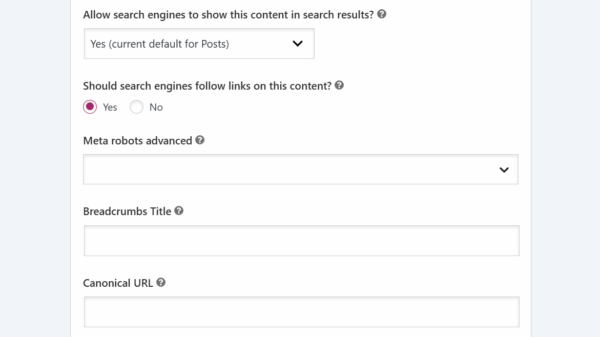
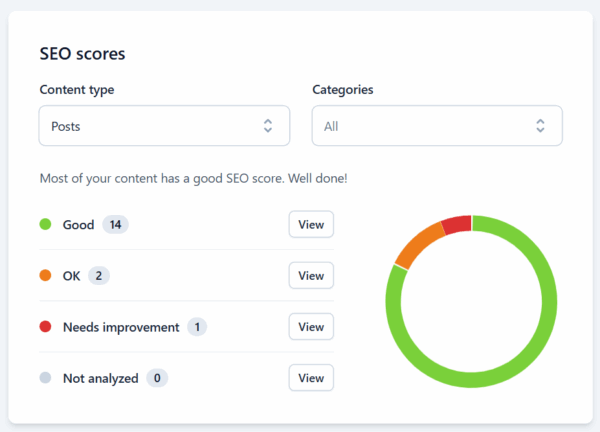
Build lasting visibility through better organic performance. Let Yoast SEO Premium be your guide.
- See actionable SEO feedback instantly
- Improve readability and structure
- Spot issues before publishing
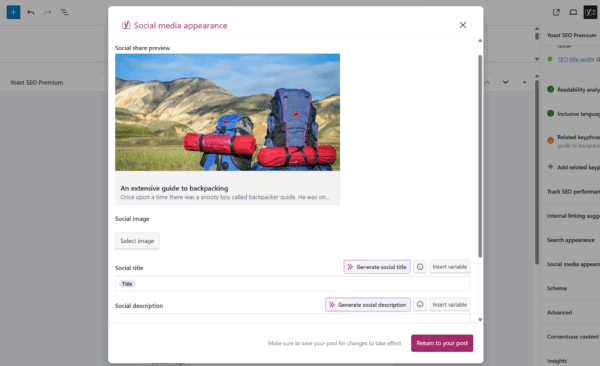
Social media appearance preview
Control how your content looks
Make your posts stand out everywhere. Preview and edit how your content appears on social platforms, so every post looks polished, on-brand, and ready to drive clicks with no extra tools.
Optimize for multiple keywords
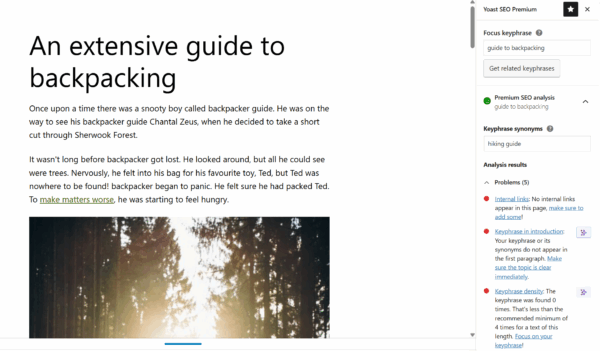
Reach a wider audience with the same content
Cover related topics and keyphrases to make your content more visible and relevant across different search intents.
- Optimize for up to 5 keywords per page
- Effortlessly write content your audience loves
- Optimize for keyword variations naturally
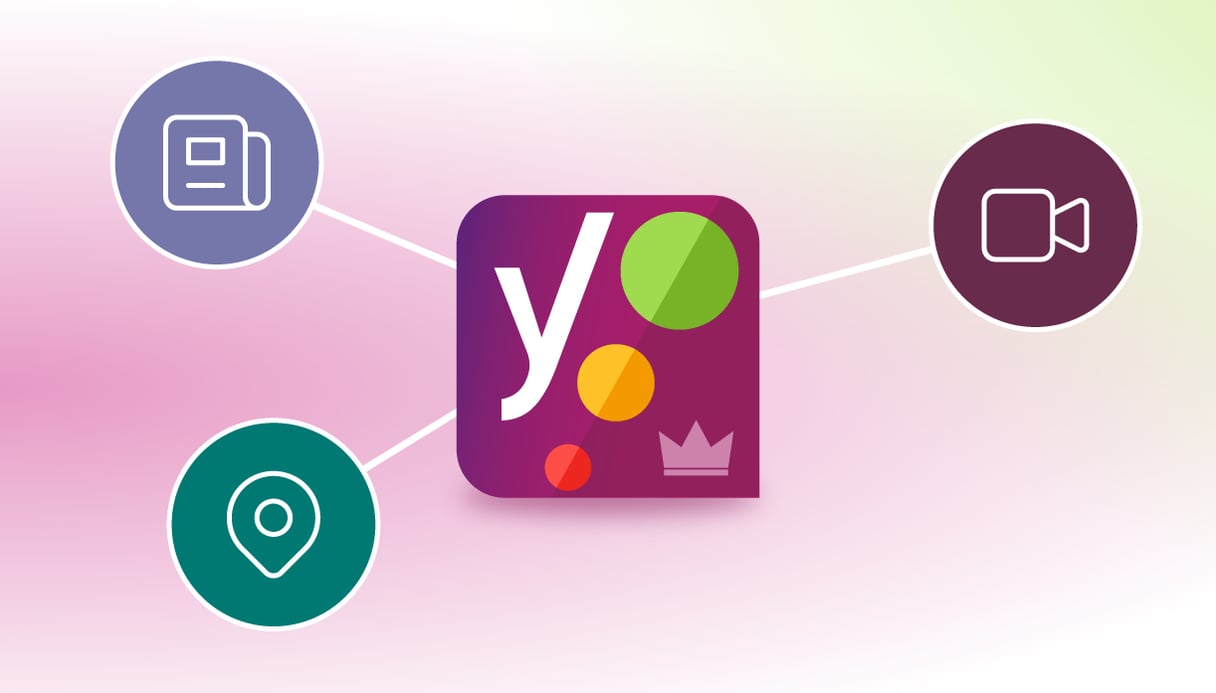
Yoast SEO Premium now includes

Boost your visibility in local search with automated business details, schema, simple multi-location management and seamless Google Maps embedding.

Make your videos easier to find with automatic schema, improved indexing, and previews that ensure they stand out in search results.

Get your news content discovered faster with optimized XML News sitemaps, advanced schema, and instant indexing features.

Your SEO journey starts now
Get ahead of the game with Yoast SEO!
Get access to everything you need for your website to get found in search. Including AI-powered tools, real-time analysis, schema, and support!
- Trusted by over 13 million users
- Always up to date with SEO changes
- Built for every level of expertise
Questions & answers
Yoast SEO Premium includes all features found in Yoast SEO and premium plugins, 1 Google Docs add-on seat, plus three additional plugins: Local SEO, News SEO and Video SEO to cover all the bases.
If you have any trouble or you’re simply not sure how to get started, check out our Yoast SEO Premium installation manual.
All plugin settings will be automatically migrated to Yoast SEO Premium for you. So you keep all the work you’ve already put into your free plugin.
1 Yoast SEO Premium subscription can be used on 1 website or domain. You can use Yoast SEO Premium on multiple websites by purchasing more than one subscription. You can choose how many sites you need it for on the check-out page. If you’re buying in bulk, you also get a discount.
Yes! You can easily add and remove sites in MyYoast, we have a step-by-step guide that outlines how to connect a Yoast SEO subscription.
Absolutely! For the most up to date information, check out our language availability list.
You can use your Yoast SEO Premium on your staging site. Simply add both your live and staging site in MyYoast and transfer subscription(s) between the live and development site. You can follow the guide on how to add and remove sites in MyYoast.