

Yoast SEO settings: Schema
In this article, we’ll discuss the Schema settings in Yoast SEO in your WordPress backend.
Where to find the Schema settings
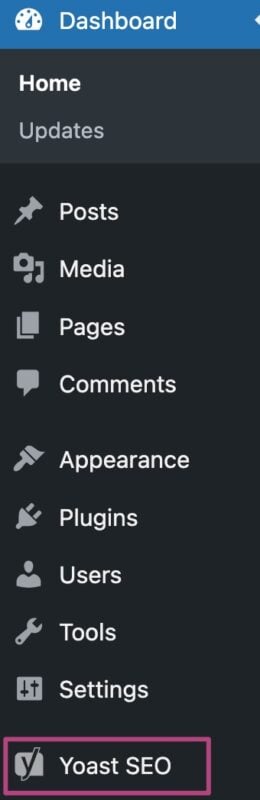
- In your WordPress Dashboard, go to Yoast SEO
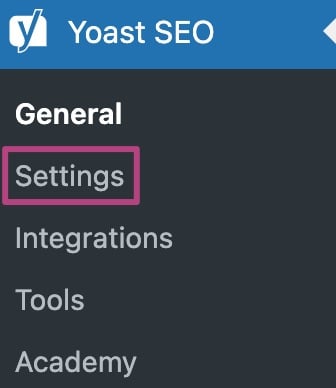
- Go to Settings
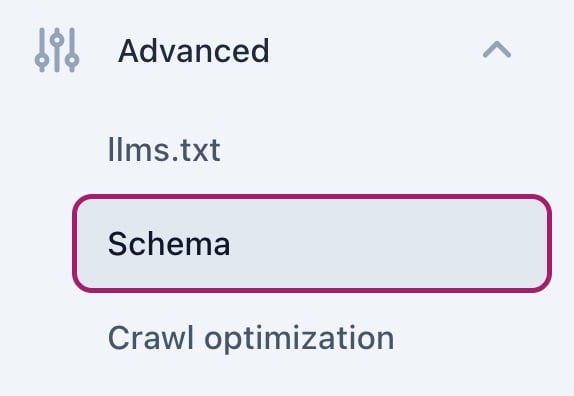
- Under Advanced, go to Schema
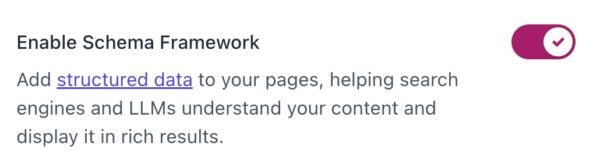
Enable Schema Framework
Under Enable Schema Framework, you can switch the toggle to on or off. If the toggle is on, Yoast SEO builds a single, connected Schema graph for your site. We strongly advise you to keep this toggle on.
Want to see what your Schema looks like after enabling the Schema Framework? You can use tools like Classy Schema’s Structured Data Viewer to see what your Schema output looks like.
If you switch the toggle to off, you disable the Schema graph and the appearance of your content in search results will change. We strongly advise you to never turn this toggle to off.
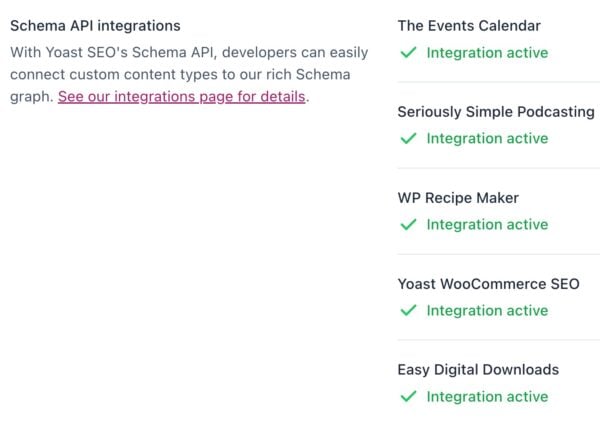
Schema API integrations
Under Schema API integrations you can find what Schema API integrations are active on your site. We offer Schema integrations for the following plugins:
- The Events Calendar
- Seriously Simple Podcasting
- WP Recipe Maker
- Yoast WooCommerce SEO
- Easy Digital Downloads
Schema for devs
Here you can find links to the Yoast Schema API as well as Schema documentation. With the developer documentation, you can modify Schema output.


Get Yoast SEO Premium
Drive more traffic to your site. Use AI to save time doing SEO tasks. Make SEO easier. And get 24/7 support.
Includes Local SEO, Video SEO & News SEO.
Did this article answer your question?
Still having issues?
Try searching for your issue below