

Yoast SEO: General
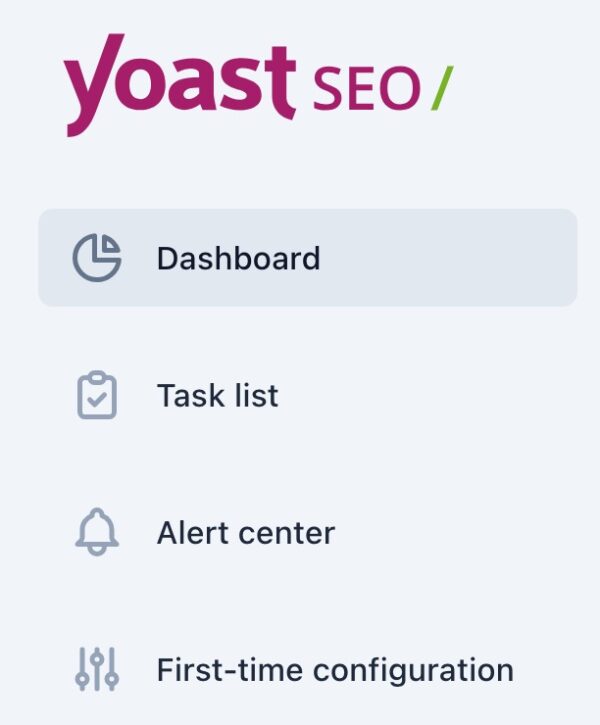
In this article, we’ll discuss the General tab in the Yoast SEO menu. Here, you’ll find the Dashboard, the Task list, Alert center and First-time configuration. We’ll explain how you can use these features one-by-one.
Dashboard
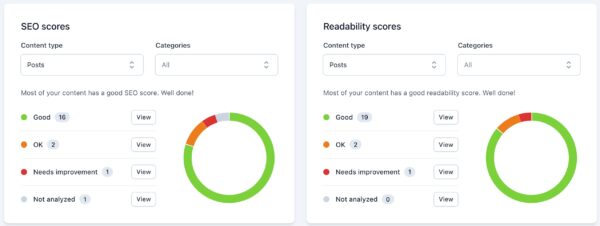
The Dashboard provides an overview of how optimized your content is. You can see your SEO and Readability scores of your Posts, Pages and Products. If you have enabled the Site Kit integration, you also get more data about your content’s performance in search engine results.
Task list
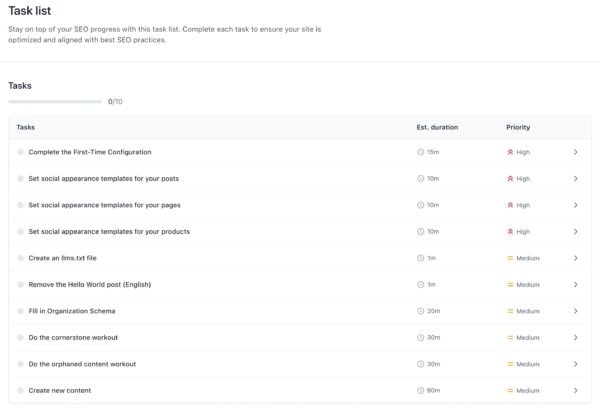
The Task list provides an overview of actions you can take to optimize your website. You can also see the estimated duration of the task, as well as the priority.
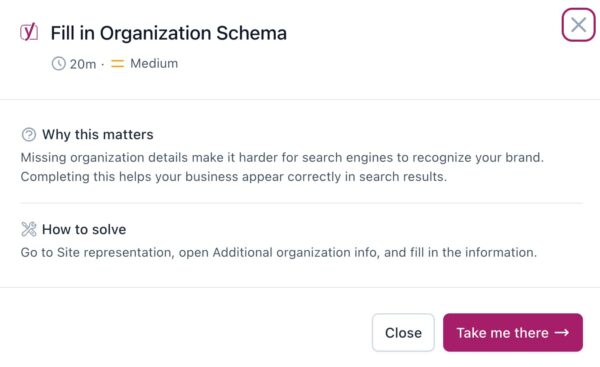
If you click on the task, you’ll see an explanation of why this task matters, as well as instructions on how to complete the task. You can also go to the task directly by clicking the purple button. The tasks differ, depending on your content, configuration, and whether you have Yoast SEO Premium.
Alert center
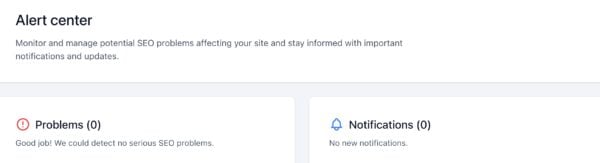
In the Alert center, there are two types of alerts: Problems and Notifications.
Problems
Under the Problems heading, we show you the issues we’ve detected, that affect the SEO of your site. Fix these as soon as possible to make sure that your site performs well in the search engines. If you have a problem, we provide an explanation. You can click on the links in the explanation if you want more information, so you can fix the issues.
Notifications
In the Notifications heading, we show you updates and new information about Yoast SEO.
First-time configuration
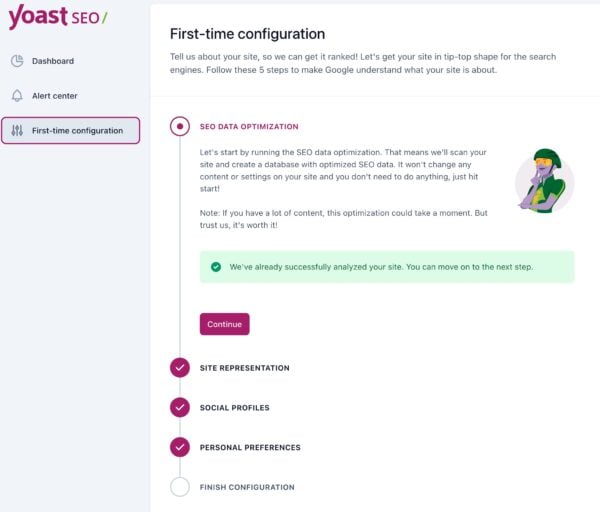
If you’ve just started to use Yoast SEO, make sure that you complete the first-time configuration. You will optimize your current data; set your site representation; connect your social profiles and configure your personal preferences. Read through our First-time configuration guide for all the information.

Get Yoast SEO Premium
Did this article answer your question?
Still having issues?
Try searching for your issue below