

INCLUDED IN ALL PAID PLANS, CERTIFICATE INCLUDED
Technical SEO 1: Hosting and server configuration course
Choose the right host, and understand your server setup
Hosting and server settings sound technical, and they are, but you don’t need to be a developer to make good choices. This course breaks down what actually matters when you’re choosing a host or checking your server setup, in plain English, so you can make confident decisions on your own site.
Included in Yoast SEO Premium, Yoast WooCommerce SEO, Yoast SEO for Shopify and Yoast SEO AI+
Not sure yet? Start your free sample lesson


1 hour of video
Across 3 modules

Certificate included
And a badge for your site

No experience needed
Built for beginners, explained in plain English
Why hosting and server configuration matter for SEO
Your host and server setup affect more than you might think: how fast your site loads, how secure it is, and whether search engines and AI systems can crawl it properly. Get them wrong, and it can quietly work against you. Get them right, and it’s one less thing to worry about.
You don’t need to become a developer to choose the right host or make sense of your server setup. You just need to know what to look for, what the common terms mean, and where to check your own settings. That’s what this course covers.
Who teaches this course
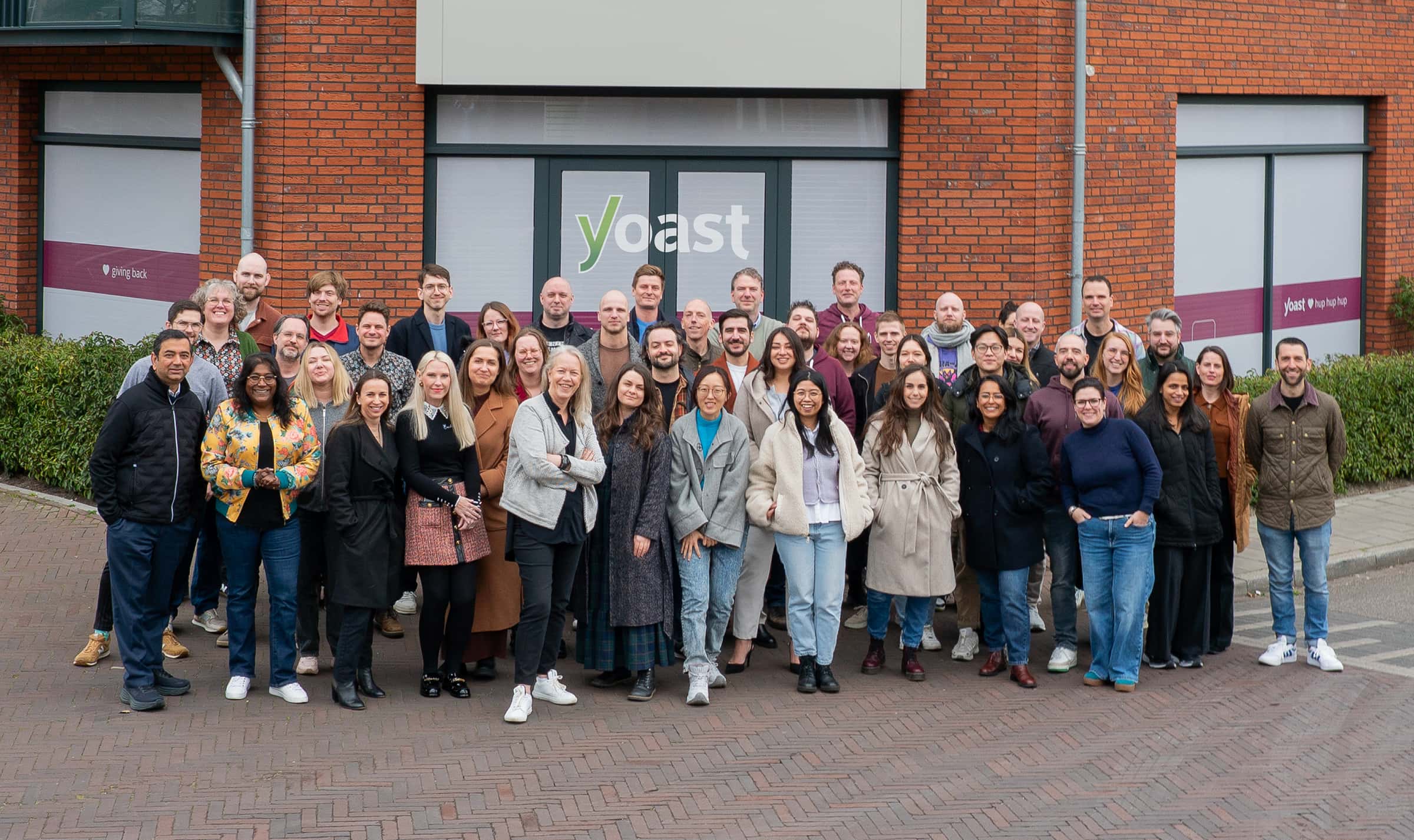
The SEO and WordPress experts at Yoast create every lesson in this course, including a dedicated Q&A with Jono Alderson, Yoast’s former Head of SEO, answering the questions people ask most about hosting and server setup.
- They build the #1 SEO plugin for WordPress
- Combined, they have over 100 years of WordPress experience
Go at your own pace
No deadlines, and your access doesn’t expire.
Pick up where you left off
Your progress is saved automatically.
Works on any host
The fundamentals apply wherever your site is hosted.
What topics are covered in the course

Hosting
What to actually look for when choosing who hosts your site, and how to tell a good option from a risky one.

Server configuration
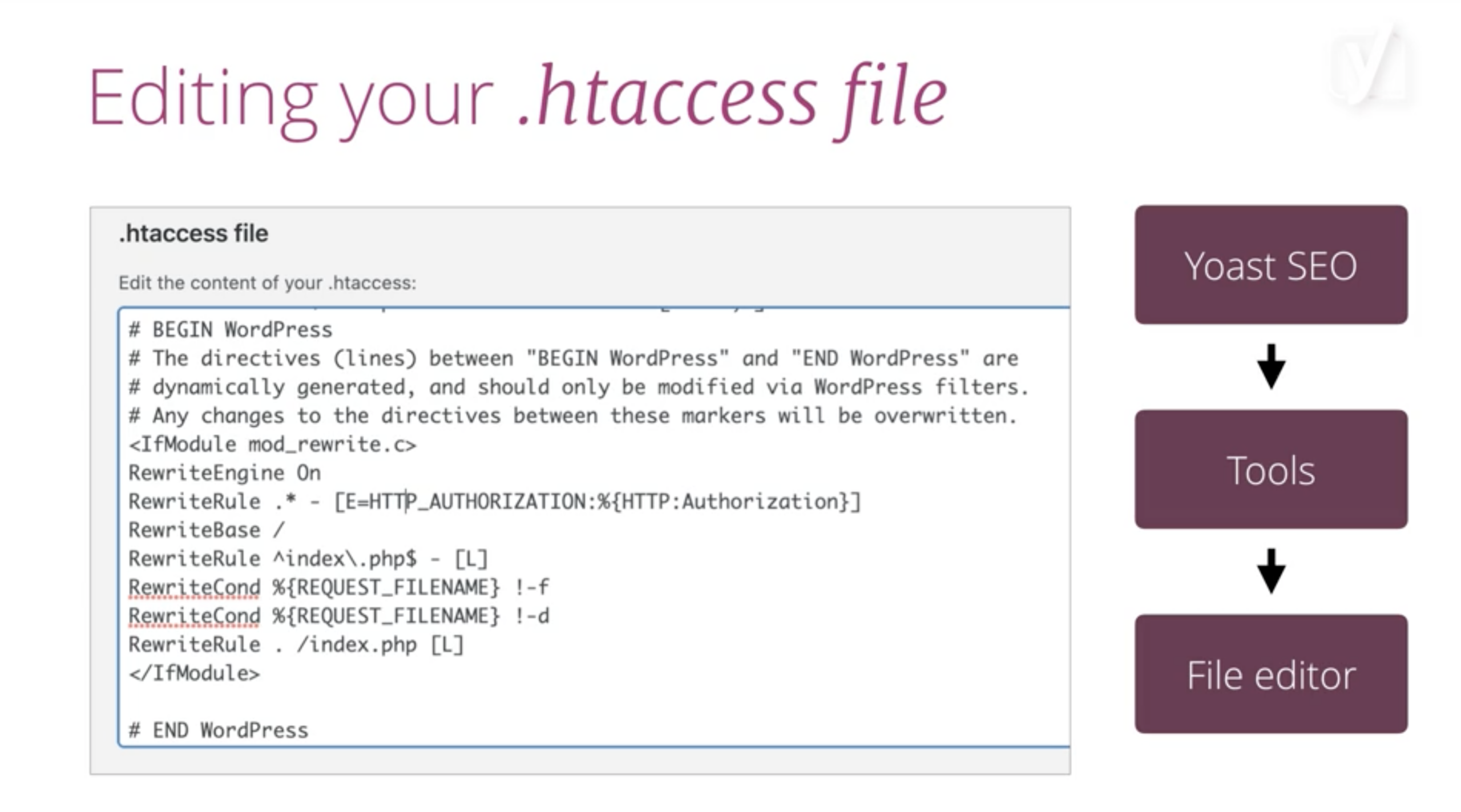
Apache and NGINX (the two most common types of web server software) explained in plain terms, plus why keeping your PHP version (the programming language behind most WordPress sites) up to date matters for speed and security.

Q&A
Jono Alderson, Yoast’s former Head of SEO, answers the most common questions about hosting and server configuration.
Hosting isn’t the exciting part of SEO, but it’s the part that either quietly supports everything you do or quietly undermines it. Bad hosting doesn’t announce itself, it shows up as slow pages, occasional downtime, and crawls that quietly fail, problems you’ll blame on your content long before you blame your server. Get it right once, and stop worrying about it.
A. Alani – Sr. Software Engineer, Bluehost
What you get


Did you know?

Part of Yoast SEO Academy
This is the first course in Yoast’s technical SEO series. Once you’ve got hosting and server basics down, Technical SEO: Crawlability and indexability goes further into how search engines and AI systems find and read your site, including XML sitemaps.

Yoast SEO Premium
Unlock this course + Yoast SEO Premium
This course is included in every paid Yoast plan, alongside real-time SEO guidance while you write, AI-assisted suggestions, and full Yoast SEO Academy access.
- Real-time SEO and readability guidance built into your publishing workflow
- New academy courses added to your plan as they launch
- The Yoast SEO Premium plugin, with guidance built into WordPress as you write
- Local SEO, News SEO, and Video SEO plugins
- One seat for the Yoast SEO Google Docs add-on, check drafts before they reach WordPress
- 24/7 support from real people
Running WooCommerce or Shopify instead? Yoast WooCommerce SEO and Yoast SEO for Shopify include this course too.
Yes. Your host affects site speed, uptime, and security, and search engines and AI systems take all three into account. A good host isn’t a substitute for good SEO, but a bad one can quietly work against you.
No. This course is built for site owners, not developers. Every technical term gets explained in plain English as it comes up.
It can matter: Apache tends to be the better fit for shared hosting, since it lets each user configure their own settings, while NGINX tends to suit dedicated or VPS hosting and high-traffic sites better, since it’s lighter and faster. The course walks through how to tell which one your site is using and why it matters.
PHP is the programming language most WordPress sites run on. Older versions can be slower and less secure. The course explains how to check your version and why keeping it current matters.
Just want to watch the videos? That’s about 1 hour. Want to read the suggested materials and do the quizzes too? Budget 2 to 3 hours in total. It’s self-paced, so take it as slowly or quickly as you like.
No single fix guarantees a ranking outcome. A well-configured host and server remove barriers that can stop search engines and AI systems from crawling and understanding your site properly, which gives your content a fair chance to be found.
Get yourself a coffee and join us monthly to catch up on SEO
You’re busy running a site or a team, not tracking every SEO headline. The SEO Update by Yoast fits into one coffee break a month: our Principal SEOs break down what’s actually happening across search and AI, so you don’t have to piece it together yourself. Recorded live with audience Q&A, and a recording’s available afterward if you can’t join live.
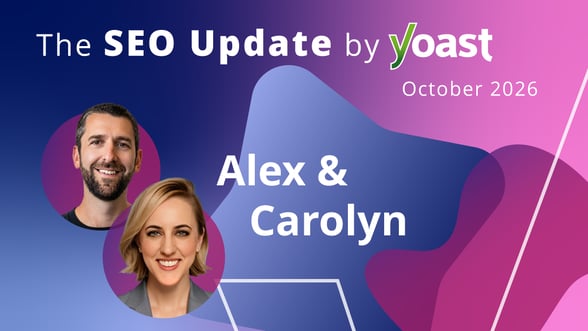


Expert analysis of the latest SEO & AI news developments with Carolyn…