

How can I get support?
Do you need help with your Yoast SEO product? There are multiple ways of getting support, depending on if you use the free Yoast SEO plugins for WordPress; Yoast SEO Premium, Yoast WooCommerce SEO, Yoast AI +, the Google Docs add-on; or Yoast SEO for Shopify. In this article, we’ll show you how to get support.
Support for free WordPress plugins
There are several ways to get help for the free Yoast SEO for WordPress plugin and related free plugins.
Yoast SEO plugin Support page
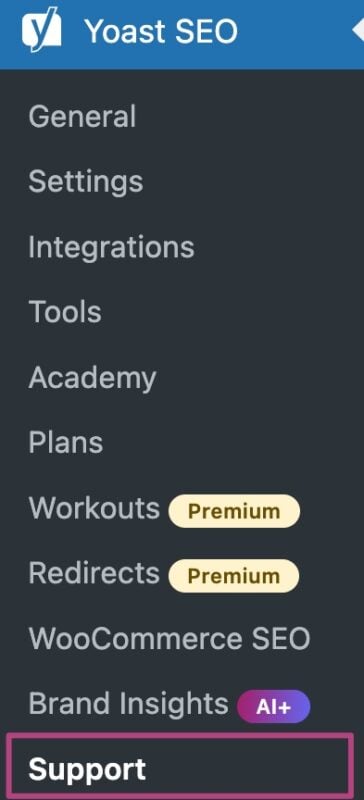
In your WordPress Dashboard, under the Yoast SEO menu, you can find the Support page. On this page, you can find Frequently asked questions and Additional resources.
Help center
In the Yoast Help center, you can find explanations of our settings, how to set up product features, installation manuals and much more. The help center is updated daily to answer questions and help you solve problems.
Support forums for free WordPress products
All our free plugins have their own support forums at WordPress.org. These forums are looked after by very enthusiastic and knowledgeable users. We have a Yoast SEO forum as well as a forum for free Yoast plugins.
How to use a free support forum
- Open the WordPress plugin repository and log in
- Search for your specific Yoast plugin and click on it
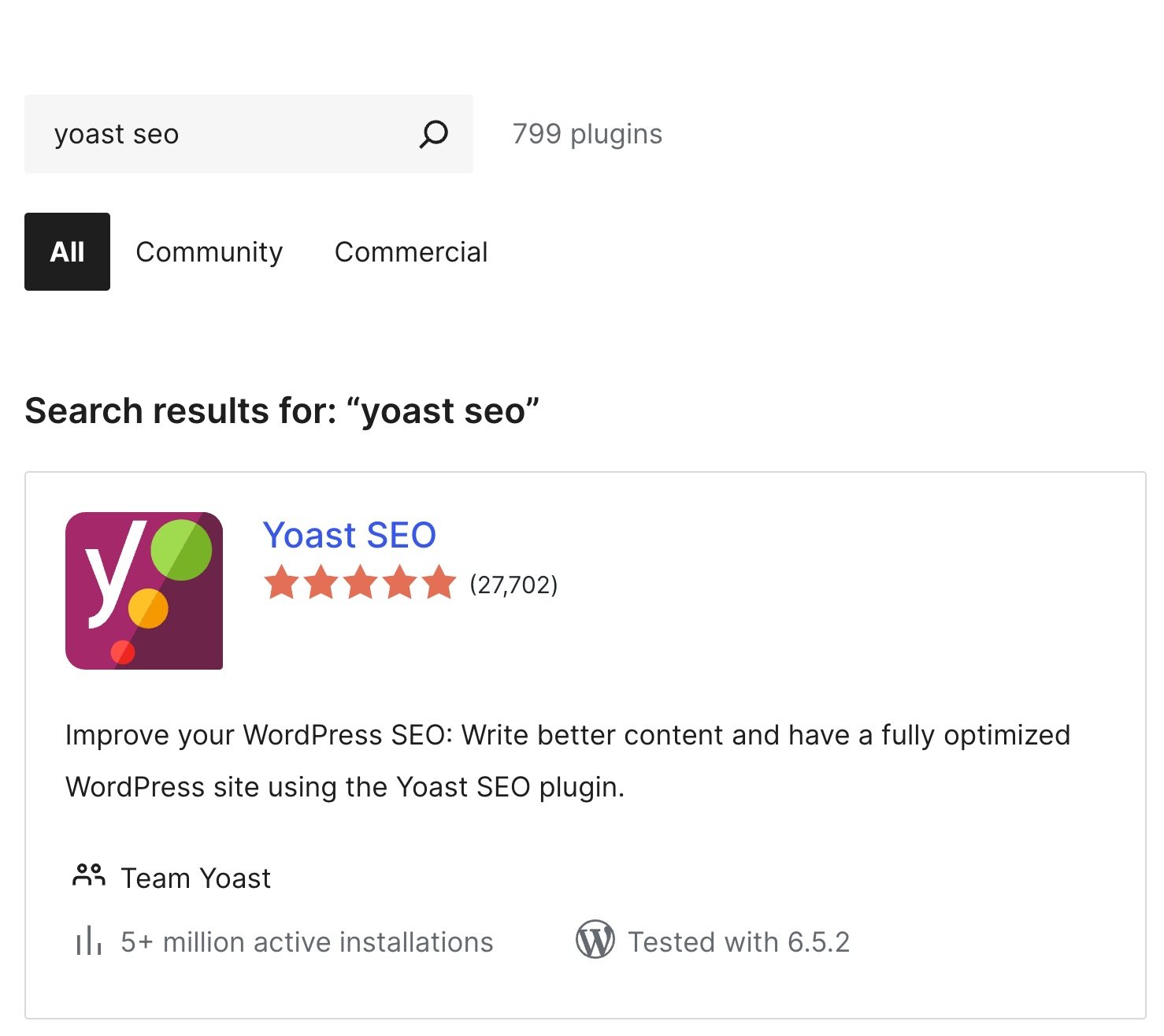
- Go to Support

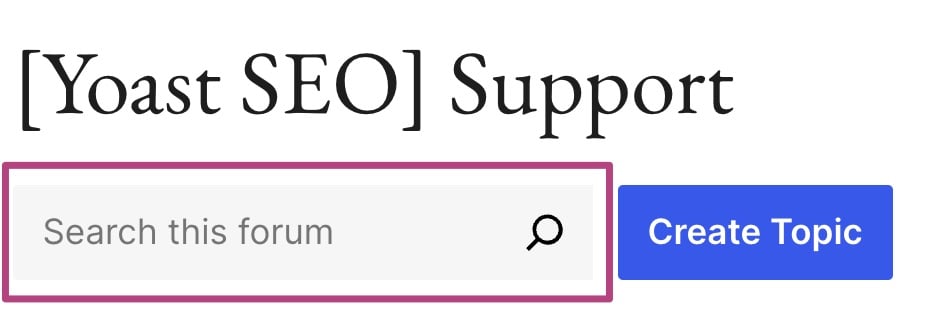
- Use Search this forum to search topics
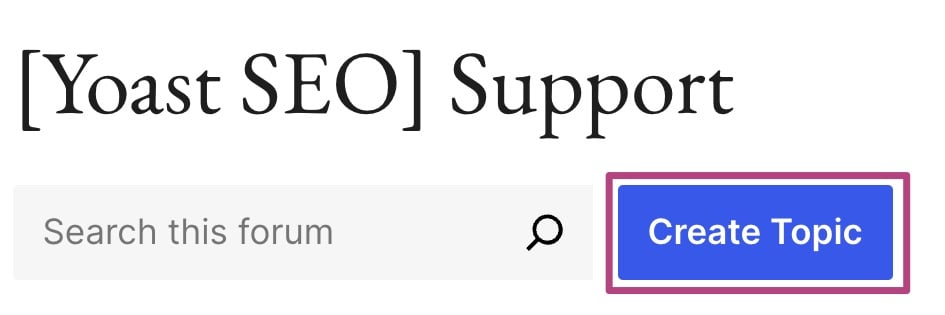
- If your issue does not exist, click Create Topic
- Fill in the form to create a new topic
Provide the following details: a link to your site, issue description, expected outcome, error messages, steps to recreate the issue and screenshots.

Support for Yoast SEO Premium, Yoast WooCommerce SEO, Yoast AI+ and the Google Docs add-on
Do you have Yoast SEO Premium, Yoast WooCommerce SEO or Yoast AI+? Are you looking for help with you Video, News or Local plugins? Or do you need help with the Yoast SEO Google Docs add-on? Follow the steps below to get the support you need.
Live chat
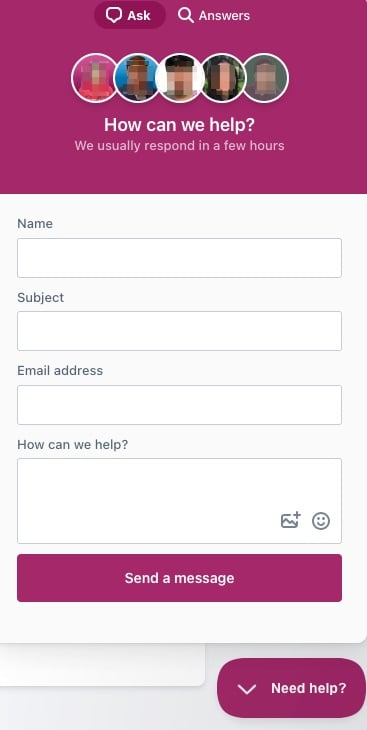
Our Support team is available 24/7 via live chat! You can start a live chat via the help beacon. You can find a beacon in your MyYoast account; in the Help Center, the Yoast SEO Academy and in the WordPress Yoast SEO menu under Support. Simply go to the beacon, click on Ask and share your issue to get started!
Help center
In the Yoast Help center, you can find explanations of our settings, how to set up product features, installation manuals and much more. The help center is updated daily to answer questions and help you solve problems.
Support page in Yoast SEO
In your WordPress Dashboard, under the Yoast SEO menu, you can find the Support page. On this page, you can find Frequently asked questions and Additional resources. You can also contact the Support team directly by clicking Contact our support team at the bottom of the page, or clicking Chat with us to start a live chat.

You can also reach the Yoast Support team at support@yoast.com.
The help beacon
You can find the help beacon in your MyYoast account; in the Help Center, the Yoast SEO Academy and in your WordPress site Yoast SEO menu under Support.
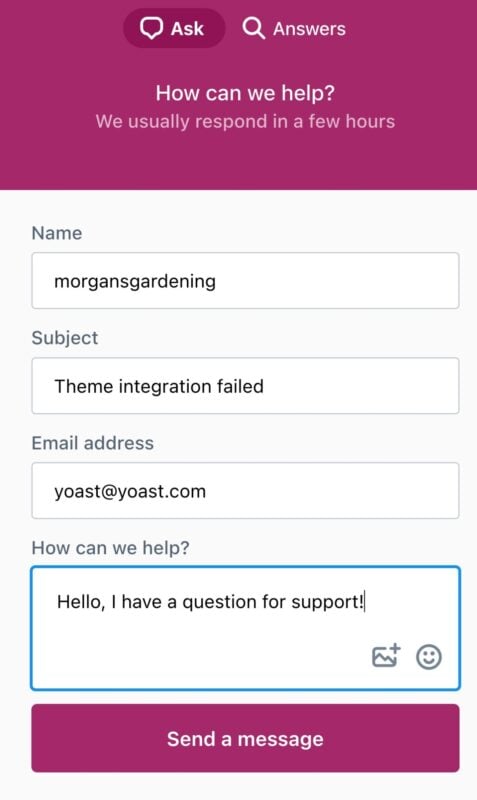
Click the Chat with us button to open the help beacon. Under Answers, you’ll find the most popular help articles; you can also search for any specific problem you have. Under Ask, you can contact the support team via e-mail or enter the live chat to talk to our support team directly.
I have problems with Premium support
We’ll help you with all your questions about the configuration and basic use of the plugin you purchased. Please note that premium personal support does not mean we’ll set up your plugin for you.
Sometimes, the Need Help beacon may not show. In that case, check that all plugins and themes are up-to-date and that you do not have Javascript errors.
Support for Yoast SEO for Shopify
If you’re using the Yoast SEO for Shopify app, you also get access to our customer support. Follow the steps below to find out how you can reach the support team.
Live chat
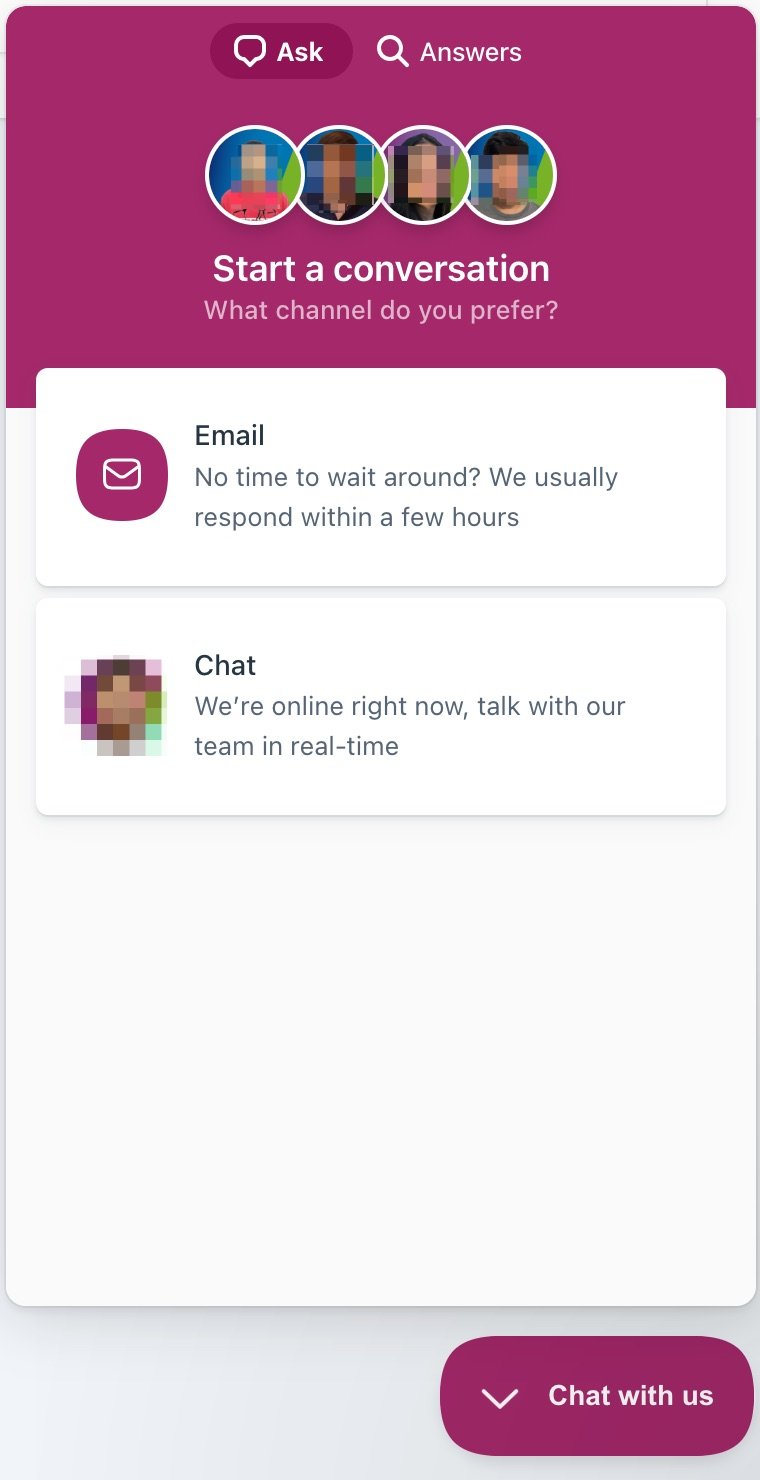
Our Support team is now available 24/7 via live chat! You can start a live chat in the help beacon. You can find a beacon in your MyYoast account; in the Help Center, the Yoast SEO Academy and in your Yoast SEO for Shopify app. Simply go the Chat with us beacon, click on Ask and explain your problem to get started!
Help center
In the Yoast Help center, you can find explanations of our settings, how to set up product features, installation manuals and much more. The help center is updated daily to answer questions and help you solve problems. The first article we recommend is our Quick start guide for Yoast SEO for Shopify.
Apps and sales channels
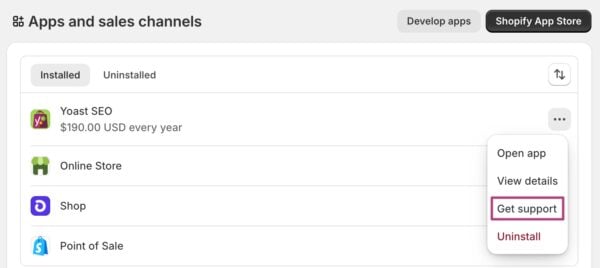
In your Apps and sales channels settings, you see an overview of your apps, including the Yoast SEO app. When you click on the three-dot menu, you can go to Get support.
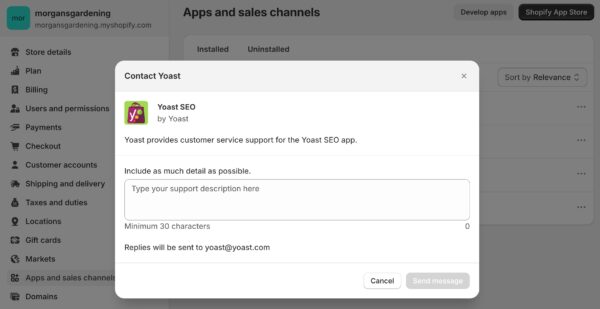
You can now contact the Yoast team directly: include as much detail as possible so that the Support team can help you quickly and efficiently.
The help beacon
If you have Yoast SEO for Shopify, we also offer a help beaconto find answers and contact Support directly. You can find the help beacon in the Help Center, the Yoast SEO Academy and in your Yoast SEO for Shopify app.

Click the Chat with us button to open the help beacon. Under Answers, you’ll find the most popular help articles; you can also search for any specific problem you have. Under Ask, you can contact the support team via e-mail or enter the live chat to talk to our support team directly.
I have problems with Yoast SEO for Shopify support
If you have questions about your subscription, pricing, and your Shopify store, we kindly refer you to the Yoast SEO subscription FAQ and the Shopify support team.

Get Yoast SEO Premium
Drive more traffic to your site. Use AI to save time doing SEO tasks. Make SEO easier. And get 24/7 support.
Includes Local SEO, Video SEO & News SEO.
Did this article answer your question?
Still having issues?
Try searching for your issue below