

FREE COURSE, CERTIFICATE INCLUDED
Free WordPress course for beginners
Learn how to build, run, and look after your own WordPress site, in short video lessons made by the WordPress and SEO specialists at Yoast. The whole course is free, runs to about three hours of video, and you get a certificate and badge when you finish.
No payment details needed.

3 hours of video
Split into short clips

Certificate included
And a badge for your site

No experience needed
Start from zero
Why learn WordPress yourself
WordPress runs a large share of the web, and most of what it asks of you is straightforward once someone shows you the order to do things in. This course walks through that order: getting a site online, making it look the way you want, adding content, and keeping it healthy afterwards. Doing it yourself also means you aren’t paying someone else every time you want to change a page.
Who teaches this course
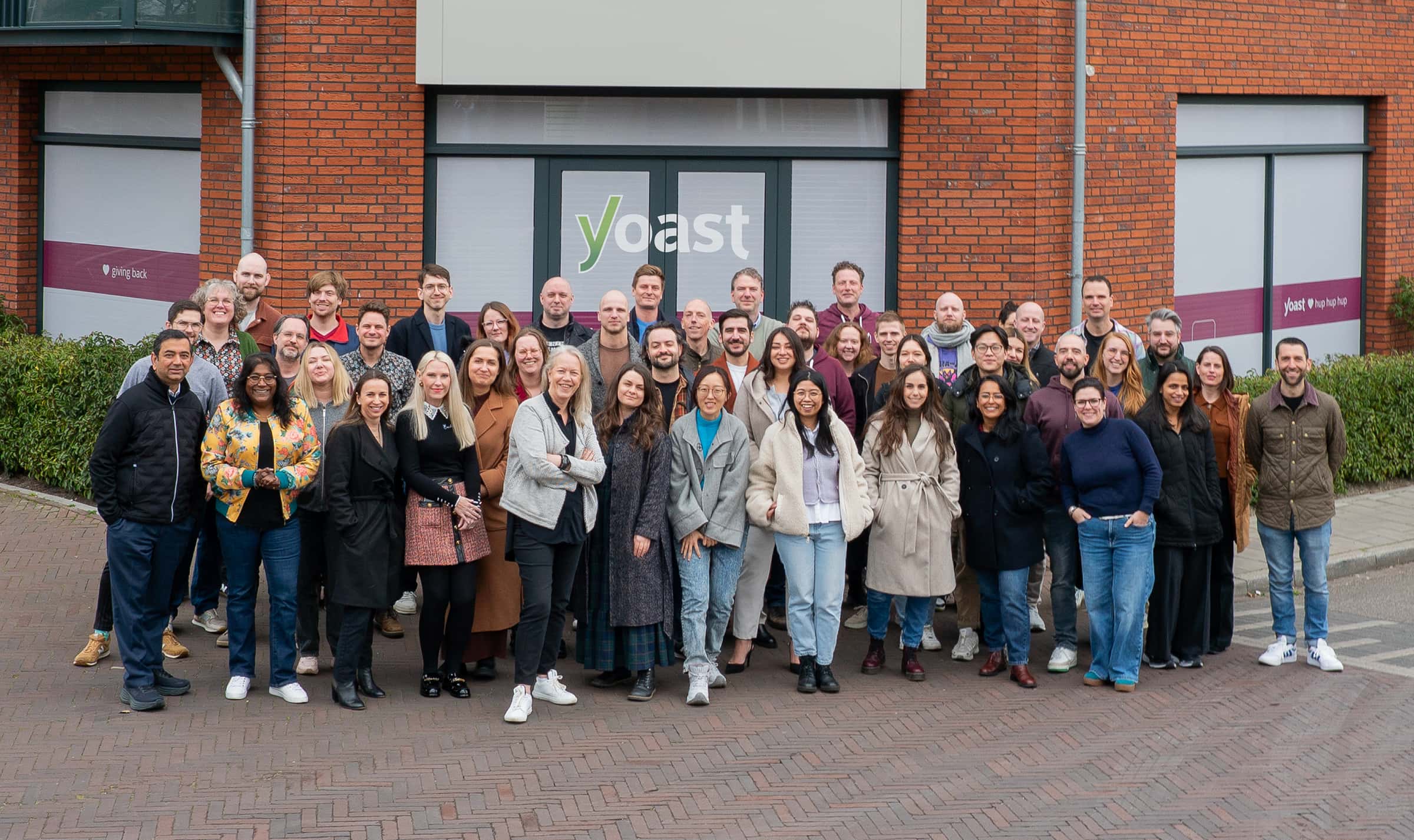
Every lesson is made by the WordPress and SEO specialists at Yoast. They haven’t only used WordPress, they help build it.
- Yoast SEO has been a WordPress plugin since 2010, fifteen years of shipping inside WordPress.
- The team contributes to WordPress core and supports the open-source community.
- Between them, they have more than 100 years of WordPress experience.
Go at your own pace
No deadlines, and your access doesn’t expire.
Pick up where you left off
Your progress is saved automatically.
Start before you buy anything
Hosting and domains are covered in the course.
What topics are covered in the course

What WordPress is
What you can build with it, the difference between WordPress.com and WordPress.org, and what open source actually means.

Getting your site online
Choosing a hosting company and a domain, then finding your way around the WordPress back end.

Customizing your site
Making it look and work the way you want, using settings, themes, plugins, and widgets.

Creating content
Adding posts and pages in the block editor, and organizing them with menus, categories, and tags.

Managing your site
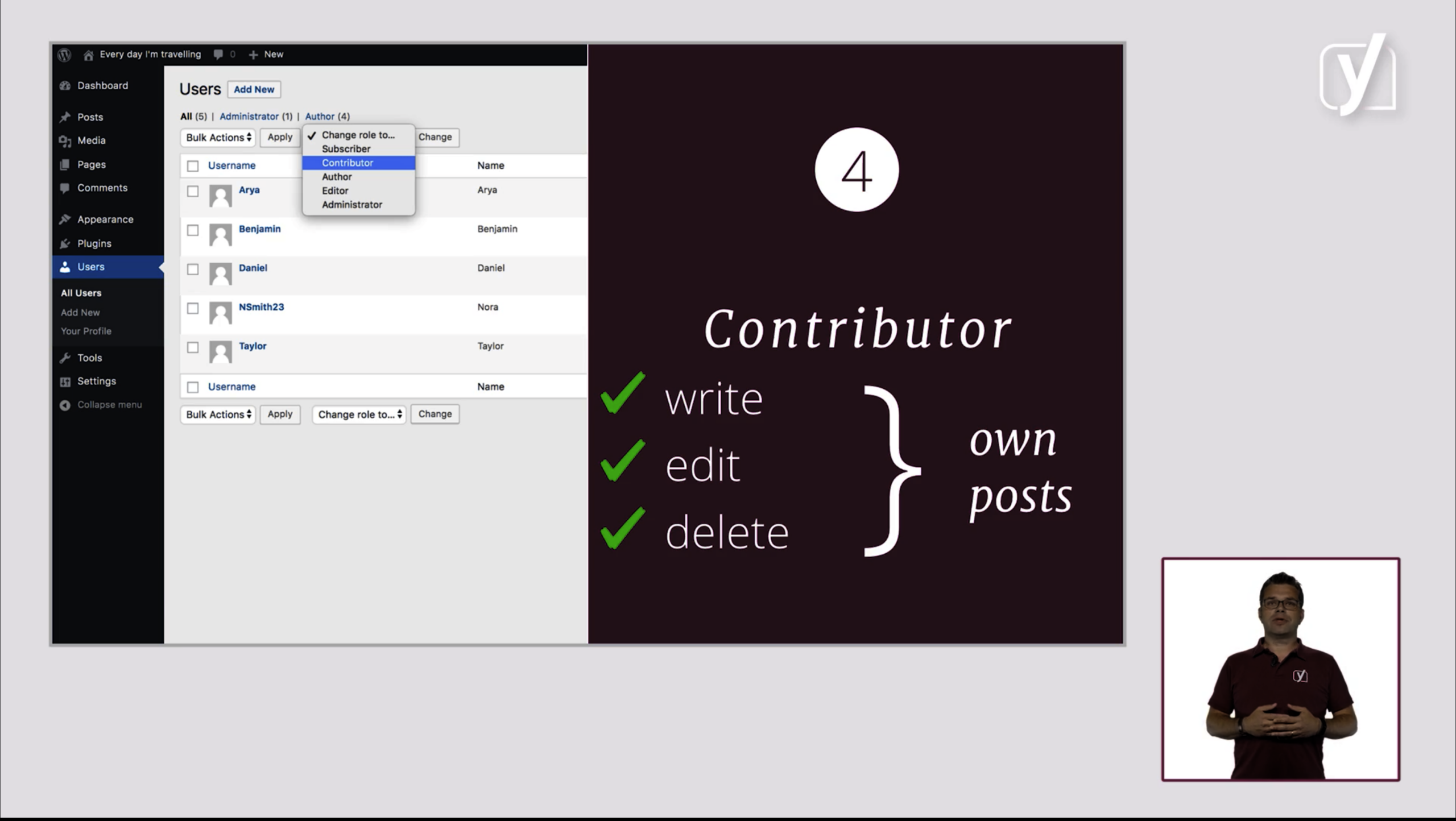
The work after launch: user roles, updates, and backups.

WordPress SEO
What WordPress does for your SEO out of the box, where the Yoast SEO plugin helps, and what’s left for you.
Yoast has a really nice new course for WordPress beginners that I’ve already sent to a couple of folks seeking to learn WordPress. This should be bookmarked as a go-to learning resource.
Brian Krogsgard – Creator and Editor, Post Status
What you get


Did you know?

Part of Yoast SEO Academy
This is one of five free courses in Yoast SEO Academy, alongside SEO for beginners, Structured data for beginners, Block editor training, and Yoast SEO for WordPress plugin training. Premium members get access to all courses in the Academy.
Yoast SEO Premium
Keep going after this course
You can now run your own WordPress site. The Yoast SEO Premium plan opens every course in Yoast SEO Academy, from keyword research through to technical SEO, and gives you the tools to apply them.
- Every course in the Academy, each with its own certificate
- New courses added to your plan as they launch
- Yoast SEO Premium plugin, with guidance built into WordPress as you write
- Local SEO, News SEO, and Video SEO plugins
- One seat for the Yoast SEO Google Docs add-on, check drafts before they reach WordPress.
- 24/7 support from real people
Yes. You get the full course, not a sample, and you do not need to enter payment details. You need a free MyYoast account so we can save your progress and issue your certificate.
The videos run to around three hours in total, split into short clips. Watching everything, reading the materials, and taking the 23 quizzes takes longer. There’s no deadline, and your access doesn’t expire.
No. The course covers how to choose a host and a domain, so you can watch that part before you decide.
Because a site that’s built well is easier to optimize later. A lot of what looks like an SEO problem on a new site started as a setup problem: the wrong hosting, a structure nobody can navigate, no backups. This course covers those foundations first, so the SEO has something solid to sit on.
No. The course assumes no technical background, and technical concepts are explained in plain language before they’re used.
Want to spend an hour learning live?
We run two regular webinars. SEO for beginners covers the fundamentals: keyword research, content optimization, and site structure. Introduction to Yoast SEO shows you how to put that into practice with the plugin itself. Pick whichever fits where you are right now.


Learn the essentials to start SEO confidently and boost your site’s visibility.


A practical, demo-driven webinar on using Yoast SEO for WordPress with confidence.
Learn the essentials to start SEO confidently and boost your site’s visibility.