

Turn AI tools from spectators into collaborators
Abilities
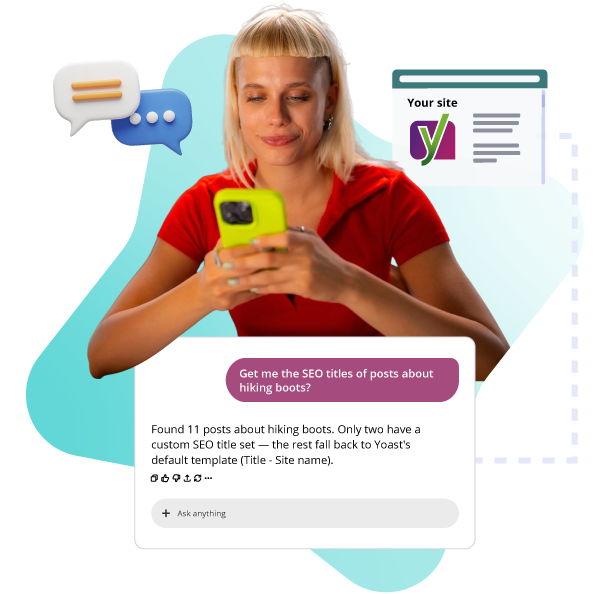
Yoast SEO Abilities let your AI tools read and fix a post’s core technical SEO settings, using your own LLM. Connect it once, then diagnose and fix issues without opening wp-admin.
Included in Yoast SEO, Yoast SEO Premium, Yoast WooCommerce SEO and Yoast SEO AI+

Built on WordPress standards
Not a Yoast-only connector

Read and fix
Direct from your AI tool

Always reversible
Undo any change while in context

Permission-checked
WordPress-native access checks
Seeing a problem isn’t the same as fixing it
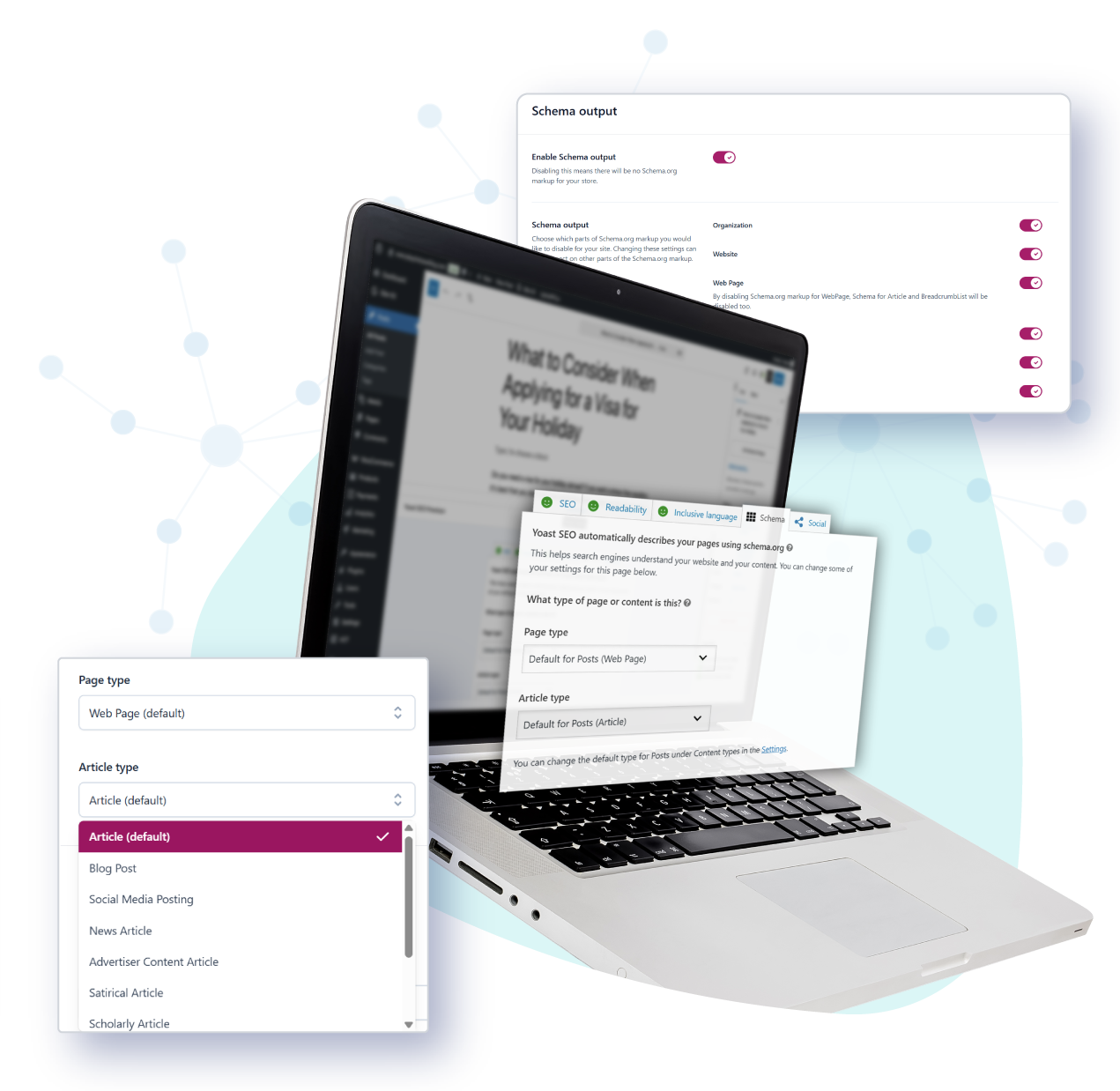
AI tools can tell you a post’s SEO score is weak, but a score alone doesn’t tell you what to fix. Yoast SEO Abilities gives your AI tool the full technical picture behind that score, its canonical URL, robots settings, cornerstone status, and schema type, and lets it update the fields that need attention.
Nothing here happens on its own. You choose when to connect a tool, and you can undo anything it changes.

How it works
Yoast SEO Abilities is an integration, not a standalone tool. It connects Yoast SEO to the WordPress Abilities API, the standard WordPress introduced in version 6.9 for letting plugins expose what they can do to AI tools. Once that connection is set up, an AI tool can read and update a post’s SEO data through Yoast, the same way it would talk to any other WordPress ability.
What these abilities cover

Get a post’s SEO data
Read the full SEO field set: title, meta description, robots flags, schema type, canonical, social previews, and scores. Find a post by ID, permalink, or a title search.

Update a post’s SEO data
Change core technical fields: canonical URL, robots flags, cornerstone status, and schema type. Your focus keyphrase, title, meta description, and social previews are read-only through this ability.
Roll back what you change
Any change made through the WordPress Abilities API can be rolled back, as long as your AI tool holds the changed values in context. In practice, read a post’s SEO data before you update it.

Bulk operations
Get, update, or filter across multiple posts in one call, with a result for each post.

Content scores
SEO score, readability score, and inclusive language score for your most recently modified posts.

Access and permissions
Follows WordPress’s own capability checks, not a separate system. By default, only users with admin-level access to your Yoast SEO settings can use these abilities.
Want the technical details?
This page covers what Yoast SEO Abilities does and why it’s useful. Bring it to your developer, our developer documentation has the code, data schemas, and setup instructions they’ll need.
Read the developer documentation.
FAQ
Yes. Connecting to the WordPress abilities API is a technical task. Our developer documentation covers the setup.
They can read a post’s full SEO field set, plus its SEO, readability, and inclusive language scores. They can update core technical fields: canonical URL, robots flags, cornerstone status, and schema type. Your focus keyphrase, title, meta description, and social previews are read-only through these abilities.
Access follows WordPress’s own admin-level permission checks. By default, only users with admin-level access to your Yoast SEO settings can use these abilities, the same way you’d audit any other admin access on your site.
No, but connecting an AI tool can be a technical step or have technical implications, so you or a developer on your team will likely handle it. This page covers what it does, our developer documentation covers the setup and code.
Yes. Read access, core SEO field updates, revert, and bulk operations are all included in Yoast SEO at no extra cost.