

Why does my sitemap have gray links?
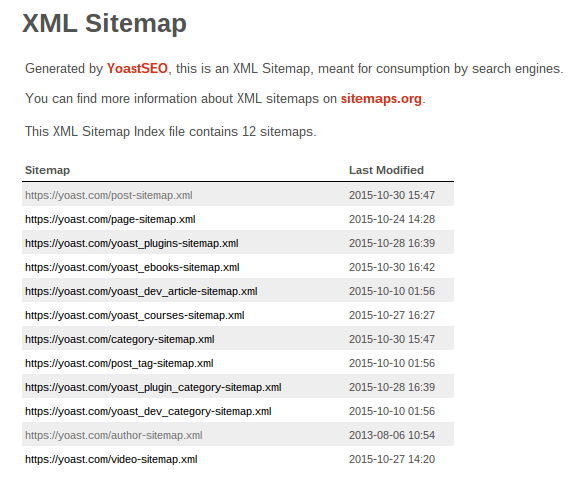
Note: If you’re using a version of Yoast SEO earlier than 28.9, your sitemap may appear as raw XML in your browser instead of a formatted table. Update to Yoast SEO 28.9 or later to use the CSS-based sitemap styling. The explanation below describes how gray links appear in the styled sitemap view.
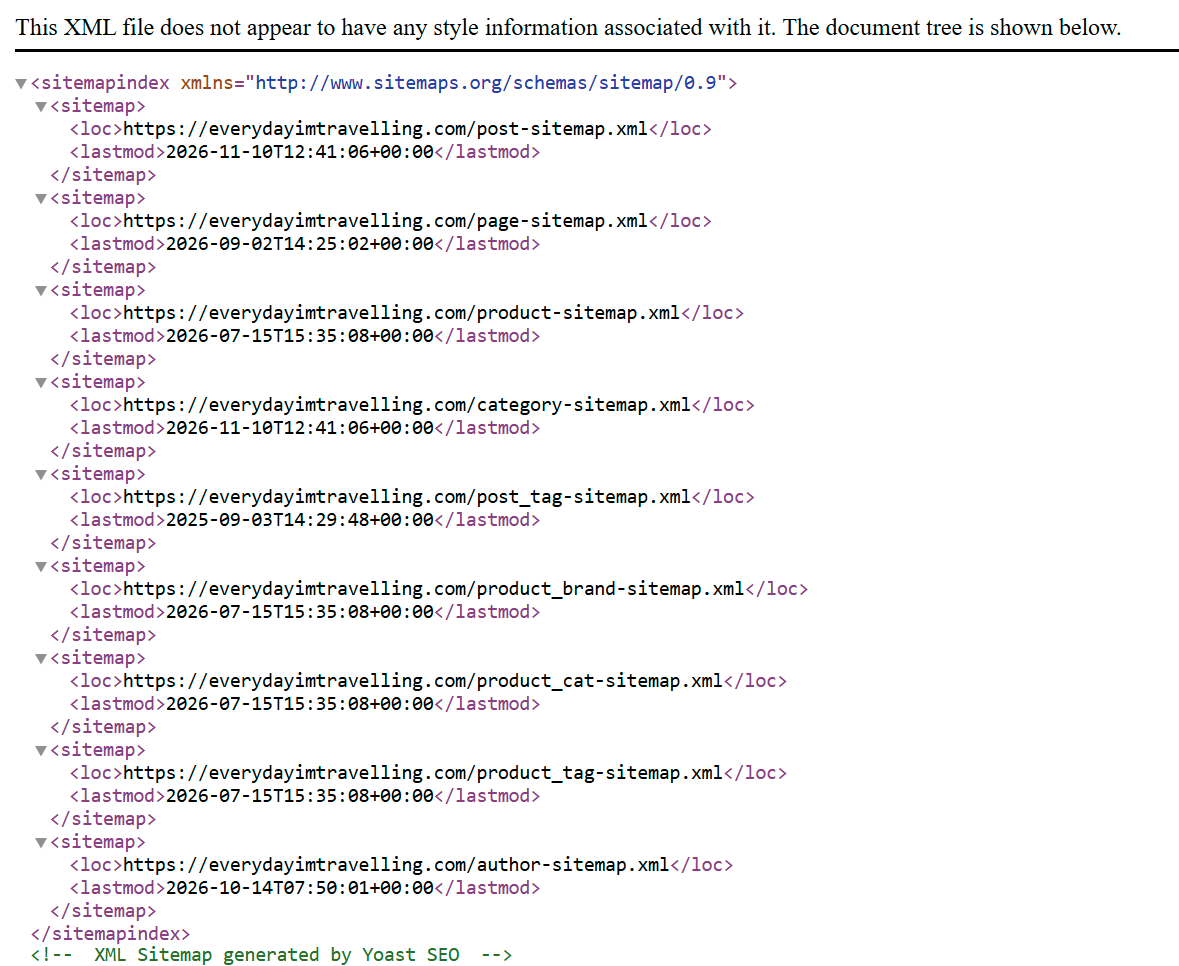
The gray links in your XML sitemap identify the URLs that your browser has recently visited. As this is browser-specific, you may or may not see different gray URLs depending on the browser and computer you are using to view your sitemap.
So, there’s no reason for concern; you don’t have to do anything.
Please note that Google does not see the browser formatting as they retrieve the xml source code. If you’re getting a different error, check out this article on common XML sitemap errors to see more errors, their causes, and their solutions.

Get Yoast SEO Premium
Drive more traffic to your site. Use AI to save time doing SEO tasks. Make SEO easier. And get 24/7 support.
Includes Local SEO, Video SEO & News SEO.
Did this article answer your question?
Still having issues?
Try searching for your issue below