

How to enable the Schema aggregation endpoint
Want your site to appear accurately in AI platforms and prepare for agentic search? With the Schema aggregation endpoint, Yoast creates an endpoint that provides a complete, connected overview of your site’s structured data. You only need to switch a toggle. In this article, we’ll explain what the Schema Aggregation feature is and how to enable it.
What is the Schema aggregation endpoint?
The Schema Aggregation feature ensures that your structured data is collected into one optimized response, often called a schemamap. AI platforms no longer need to crawl your site page-by-page to understand it. Instead, the endpoint relies on the Yoast Schema API to retrieve a connected graph of all your published, public content (posts, pages, and custom post types) that is indexable. It also prevents duplication of Schema: if one author appears in multiple articles, it only appears once in the endpoint.
For detailed information, including how to enable Schema aggregation as a developer, consult the Schema aggregation developer docs.
How to enable the Schema aggregation endpoint
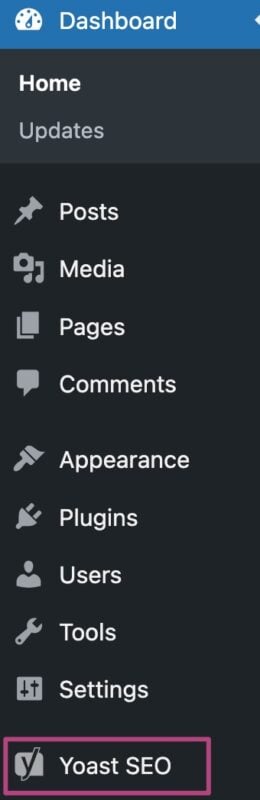
- In your WordPress Dashboard, go to Yoast SEO
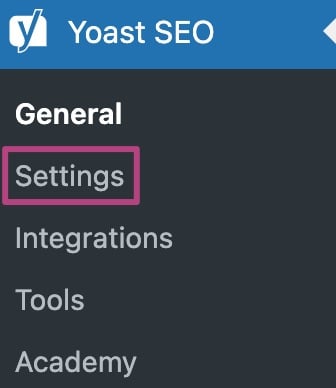
- Go to Settings
- Under Site features, go to AI tools
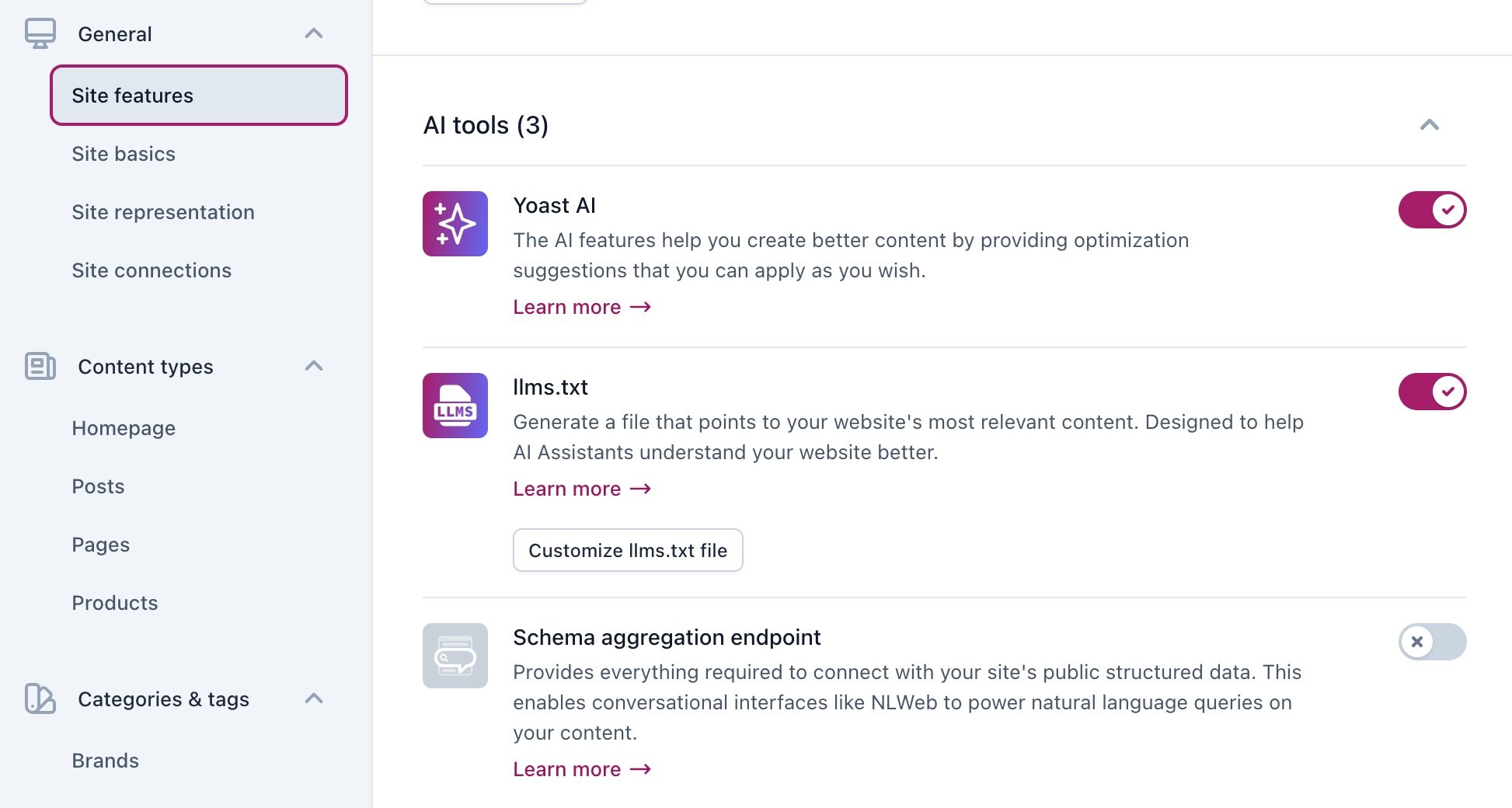
- Under Schema aggregation endpoint, slide the toggle to On
The toggle will be a purple checkmark when it’s enabled.

- Click Save changes

I have a problem with the Schema aggregation endpoint
In order for the Schema aggregation endpoint to work, you need to enable Schema for your site. Check the Yoast SEO Schema settings to see whether you’ve enabled structured data. If you encounter another problem, please contact our Support team.

Get Yoast SEO Premium