

How to enable llms.txt with Yoast SEO for Shopify
Want your content to be visible to chatbots? With the Yoast SEO llms.txt feature, you can offer LLMs a preview of your website, highlighting your most important, up-to-date content. This feature makes your website easier for AI models to understand by generating an llms.txt file through Yoast SEO. In this article, we’ll explain step-by-step how you can enable the Yoast SEO llms.txt feature
How to enable llms.txt with Yoast SEO for Shopify
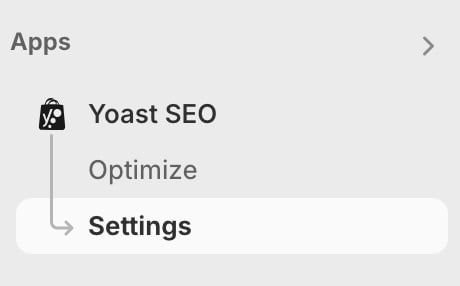
- In Shopify, go to the Yoast SEO Settings
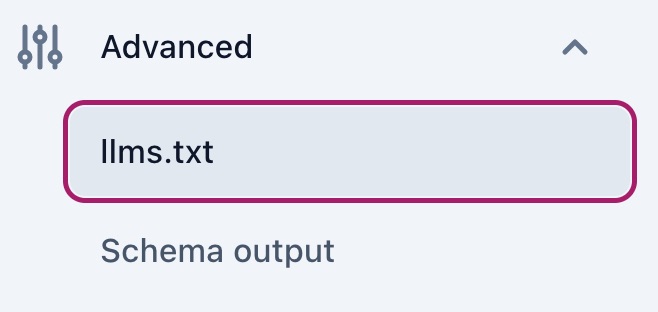
- Under Advanced, go to llms.txt
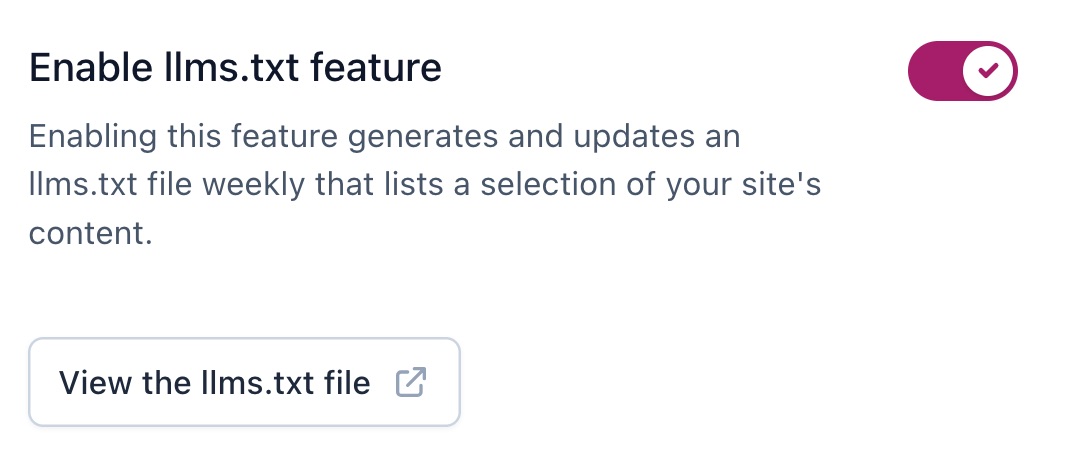
- Slide the Enable llms.txt feature to on
The toggle will show a purple checkmark when it is on.
- Click Save changes

How to customize your llms.txt file
- In Shopify, go to the Yoast SEO Settings
- Under Advanced, go to llms.txt
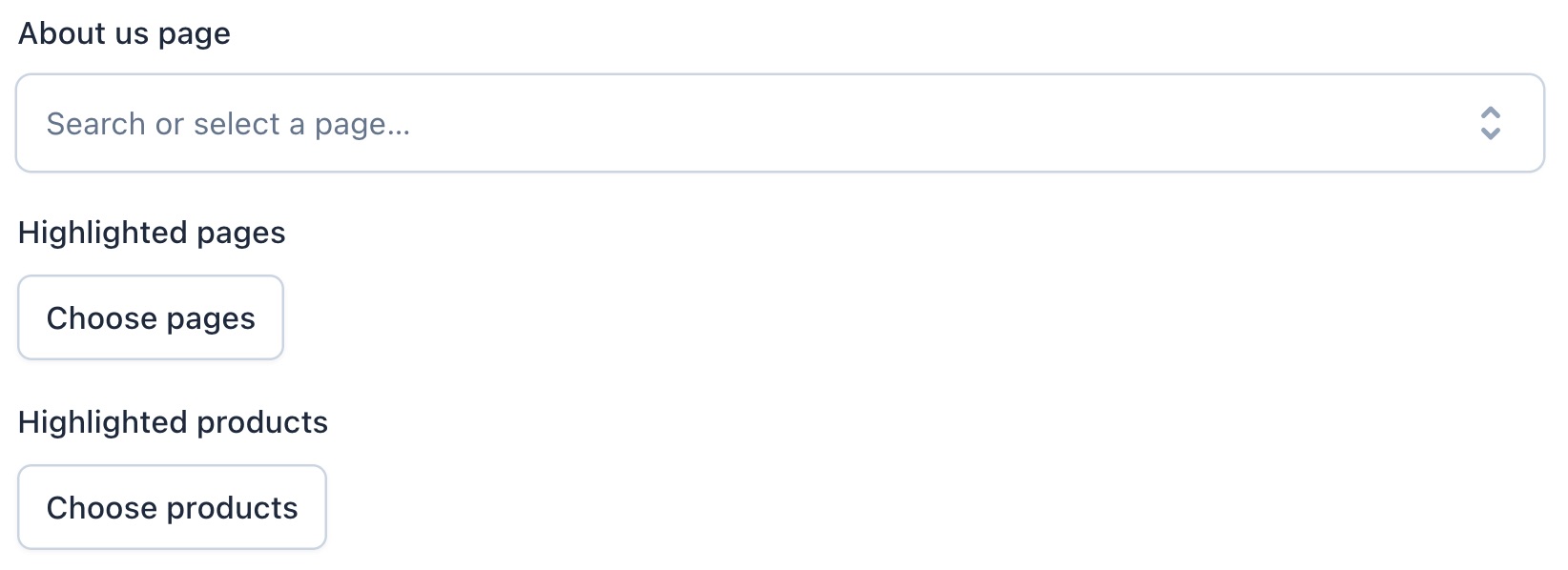
- Under llms.txt page selection, select Manual page selection

- Select the pages you want to highlight
- Click Save changes

Get more traffic to your Shopify store
$19 / 30 days (ex. VAT)
Did this article answer your question?
Thanks for your feedback!
Still having issues?
Try searching for your issue below