

Fast by design, not by accident
Performance and speed
Every plugin adds some overhead. Yoast SEO is built to keep that overhead as small as possible, so you get powerful SEO features without a heavy performance cost. See how performance shapes every part of how we build, from the code that runs on your pages to how we review our own releases.
Included in Yoast SEO, Yoast SEO Premium, Yoast WooCommerce SEO and Yoast SEO AI+


Indexables architecture
Indexables architecture

WordPress Core-native
Uses new APIs early

Continuous optimization
Every release
Why performance matters
Speed affects everyone who visits your site, and it’s a signal search engines pay attention to too. Adding real SEO value shouldn’t come with a heavy performance cost. That’s why performance isn’t a single feature at Yoast. It’s a standard that runs through the architecture we build on, the WordPress tools we adopt, and the reviews we run on our own code.
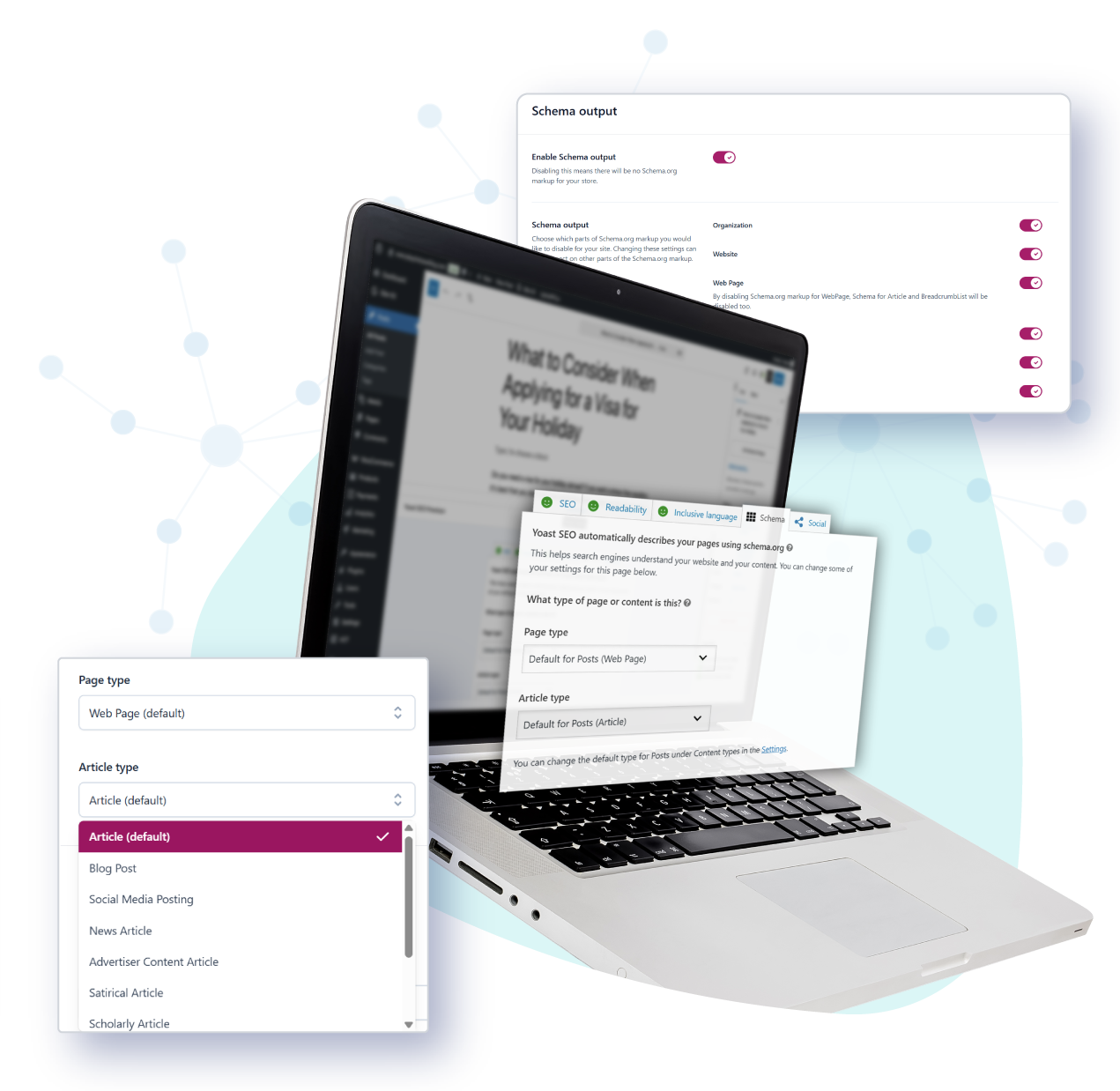

The Indexables architecture
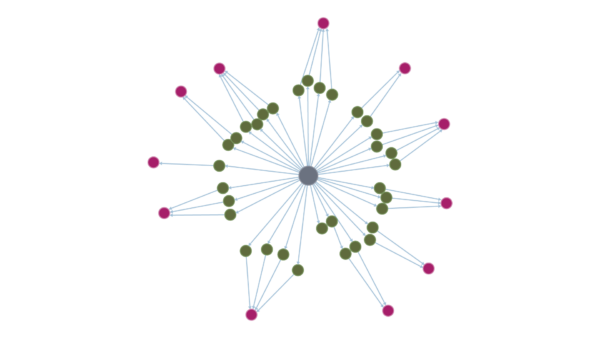
Behind the scenes, Yoast SEO runs on something we call the Indexables architecture. Think of it as a dedicated, pre-calculated data layer for your site’s SEO information. Instead of recalculating your meta tags and schema markup every time a visitor loads a page, Yoast SEO stores that data in an optimized format ahead of time. It simply retrieves that data when needed.
The result is a faster experience for the people visiting your site, because printing meta tags and schema takes far less work at the moment it matters. The same architecture also powers features you use directly in the editor, like internal linking suggestions and prominent word detection.
The 20.2 release is a good example of that ongoing work: it heavily optimized how indexables get created. You can keep an eye on the technical scope in our changelog.
Continuous performance reviews
Performance work doesn’t stop at launch. We run regular, targeted reviews of our own code to find places where Yoast SEO can be made leaner, even without any help from WordPress core. Our 27.8 release reorganized how several features query your database, with the biggest gains on large sites with lots of posts and users. One change alone took a query that could take minutes on a very large site down to milliseconds.
What you get


Performance across every part of Yoast SEO

Frontend pages
Meta tags and schema come from pre-calculated data, so visiting a page doesn’t trigger extra work at load time.

WordPress admin
Yoast SEO caches heavy database queries on dashboard and post-list pages instead of running them repeatedly.

Block editor
Sidebar panels only re-render when your data actually changes, keeping the writing experience responsive.

XML sitemaps
Sitemap generation is built to scale, staying fast for the vast majority of sites as user and post counts grow.

Large product catalogs
Yoast WooCommerce SEO uses the same architecture, so performance holds up as your catalog grows.

Multisite and larger sites
The same efficient queries and caching that help large single sites carry over to multisite networks too.
How we approach performance
Built on WordPress Core
When WordPress gives plugins a faster way to do something, we’re usually first in line to use it. You can follow the technical detail behind these adoptions on our developer blog.
Reviewed continuously
We run targeted reviews of our own code, looking specifically for places where features can be made leaner as our plugin and your site both grow.
Open to verification
Every optimization ships in a public changelog and, often, a public pull request, so you can see exactly what changed and why.
FAQ
Every plugin adds some overhead, and Yoast SEO is no exception. What matters is how much. On a properly configured site, Yoast SEO’s impact is small, and the Indexables architecture exists specifically to keep visitor-facing pages from doing heavy work at load time. If you’re seeing a noticeable slowdown, it’s worth checking your theme, your images, or another plugin first, since those tend to have a much bigger effect on page speed.
Core Web Vitals measure things like how quickly your page’s main content appears and how stable the layout is while it loads. Yoast SEO’s frontend footprint is kept deliberately small, so on a well-configured site it’s not a typical source of Core Web Vitals problems.
Run Google PageSpeed Insights or check the Core Web Vitals report in Google Search Console before and after activating Yoast SEO. For a plugin-by-plugin breakdown, the free Query Monitor plugin shows exactly which database queries are running on any given page.
Not on its own. What determines a plugin’s real-world impact is how many database queries it runs, how well it caches data, and how it uses the performance tools WordPress core provides. Two plugins with very different codebases can have nearly identical real-world impact on page load.
Yes. Performance improvements apply to the shared core that every Yoast SEO plan runs on, so free users benefit from the same optimizations as Premium, WooCommerce SEO and AI+ customers.
Release posts like the 27.8 update walk through specific performance changes when they ship. For the technical detail behind any version, Yoast’s developer resources hold the full documentation and changelogs, and our developer blog covers engineering topics in more depth.
Yoast SEO does more than many plugins, since it covers meta tags, schema, XML sitemaps and readability analysis in one plugin. That naturally means more code than a single-purpose tool. What matters for your site’s speed is how that code runs, and Yoast SEO uses a pre-calculated data layer so it doesn’t recalculate SEO data on every page load.