

Quickly build FAQ pages
FAQ content block
Easily build FAQ pages and make Google understand them.
Included in Yoast SEO, Yoast SEO Premium, Yoast WooCommerce SEO, and Yoast SEO AI+.
What does the FAQ block do?
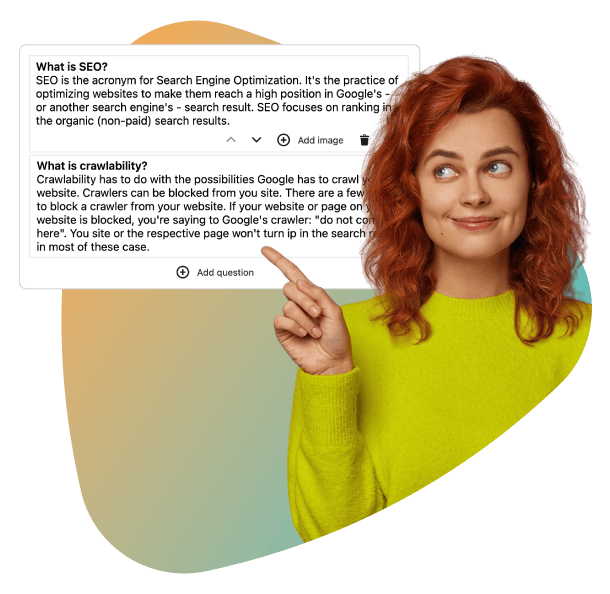
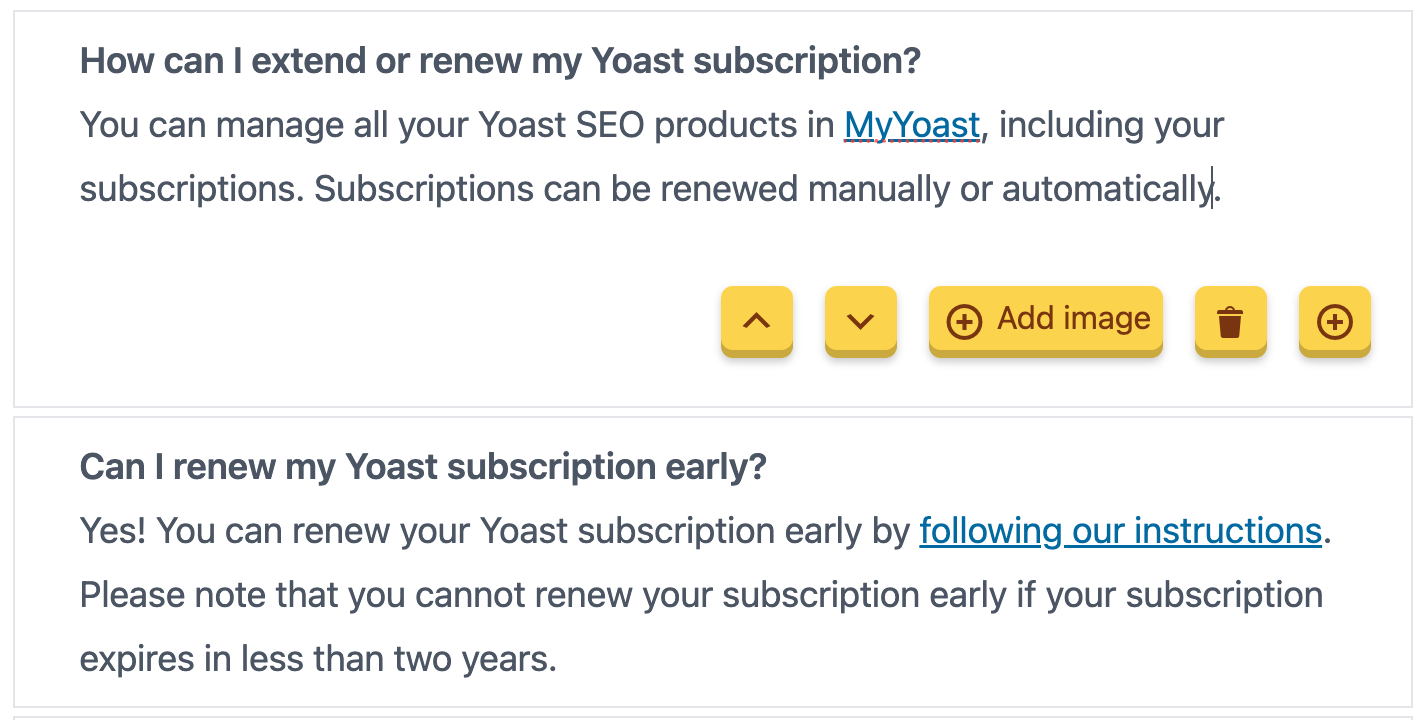
The FAQ block turns your list of questions and answers into structured data that search engines can easily process. Instead of leaving Google to guess which parts of your page are FAQs, the block labels them clearly, improving how your content is understood and potentially used in features like voice search or knowledge panels. It’s a simple way to add technical precision to your FAQs, without writing a single line of code.
Why add an FAQ page?
FAQ pages help answer common questions about your product, service, or company, saving time for both users and support teams. While not every site needs one, they’re a great way to provide quick, clear answers. With Yoast SEO’s FAQ block, you can create these pages effortlessly, ensuring they’re easy to read and optimized for search engines.
Save time for users & support
FAQ pages answer common questions upfront, reducing repetitive inquiries for your support team. Users get instant answers, improving their experience and freeing up resources for more complex issues.
Boost search engine clarity
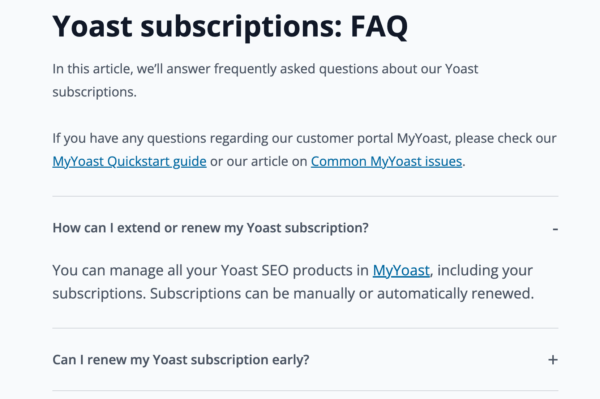
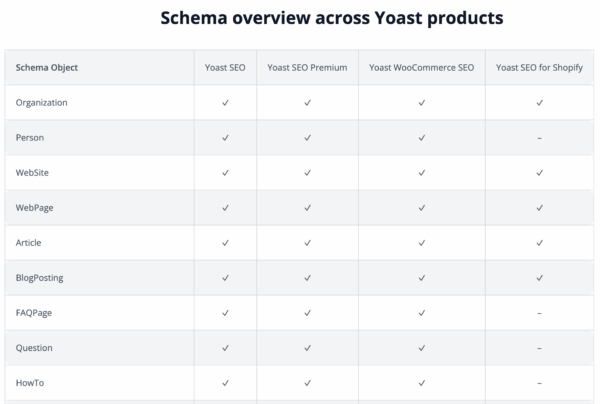
The FAQ block adds structured data to your questions and answers, helping search engines better understand and index your content. This can improve visibility and relevance in search results.
Enhance user experience
Well-structured FAQ pages provide quick, accessible answers to common questions, reducing frustration and helping visitors find solutions faster. The FAQ block ensures your content is clear, organized, and easy to navigate for all users.

No coding required
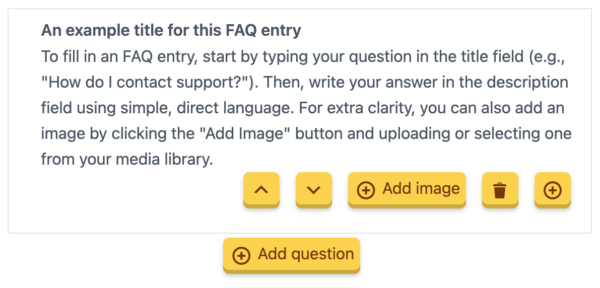
Yoast SEO’s FAQ block makes adding structured data effortless. Simply insert the block, fill in your questions and answers, and let Yoast SEO handle the technical details. No need to write or edit code, just focus on creating helpful content.

Improves search visibility
The FAQ block automatically adds FAQ Schema markup to your content, helping search engines like Google recognize and interpret your questions and answers. This improves how your content is indexed and may enhance visibility in search results and other features, such as voice search.

Easy to use
Creating an FAQ page is simple with the Yoast SEO FAQ block. Just select the block, add your questions and answers, and publish. The block guides you through the process, ensuring your FAQs are structured clearly for both readers and search engines.
Upgrade to Yoast SEO Premium

Yoast SEO Premium gives entrepreneurs and in-house teams real-time SEO guidance, so content meets best practices and drives visibility, no expert knowledge needed

For marketers and content publishers looking to boost brand awareness and visibility, this package combines powerful on page SEO tools with AI brand monitoring and insights.

Built for WooCommerce stores, this bundle helps your products stand out in Google with rich results and smart SEO, plus Yoast SEO Premium to save time and boost visibility.